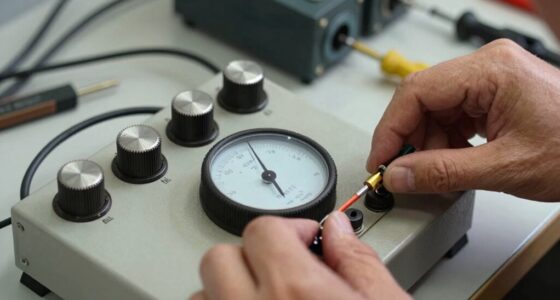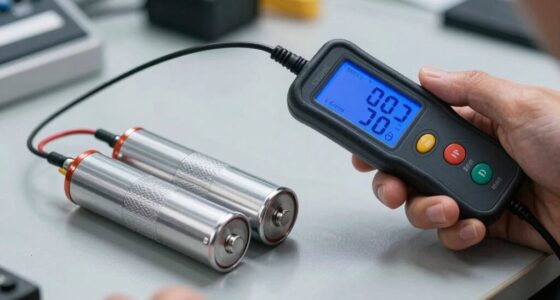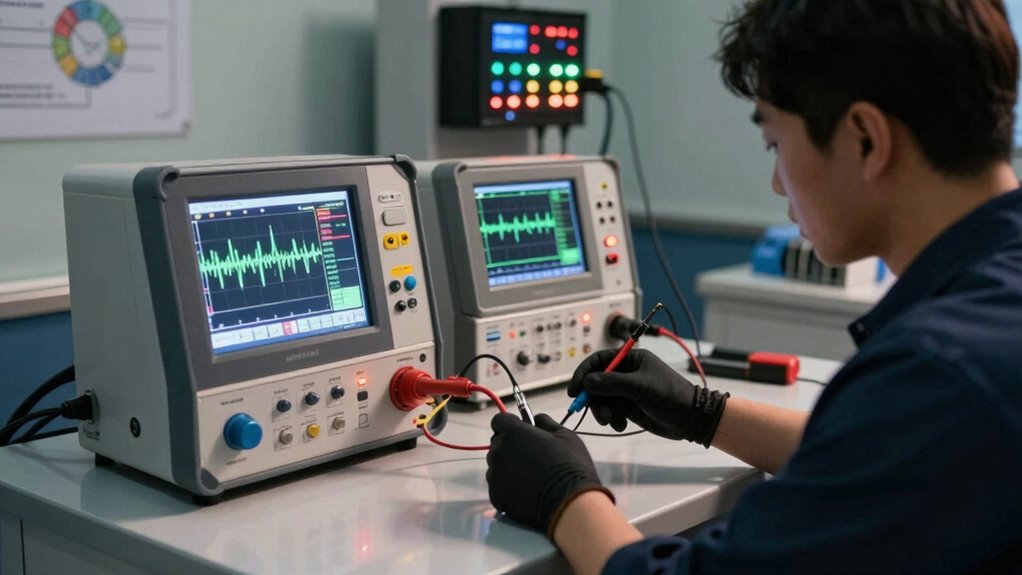

To make your battery diagnostics more consistent, start by charging your device to 100% before tests. Use the same apps and settings for each check, as this helps track performance accurately. Conduct tests in controlled environments, avoiding extreme temperatures and direct sunlight. Also, be sure to analyze the collected data for any patterns or red flags. By maintaining these protocols, you can improve reliability and gain better insights into your battery health. There’s more to explore on this topic!

Get backup power and energy gear delivered free — and shop member deals
- Fast, free delivery on millions of items
- Access to Prime Big Deal Days deals on October 6–7
- Prime Video, Amazon Music and more included
Key Takeaways
- Charge devices to 100% before diagnostics to establish a consistent baseline for performance evaluation.
- Utilize the same battery health apps or built-in features for standardized testing across devices.
- Conduct tests under uniform usage conditions to minimize variability in results.
- Control environmental factors by testing in stable temperatures away from direct sunlight or cold.
- Regularly analyze data and document findings to identify patterns and ensure consistent monitoring over time.
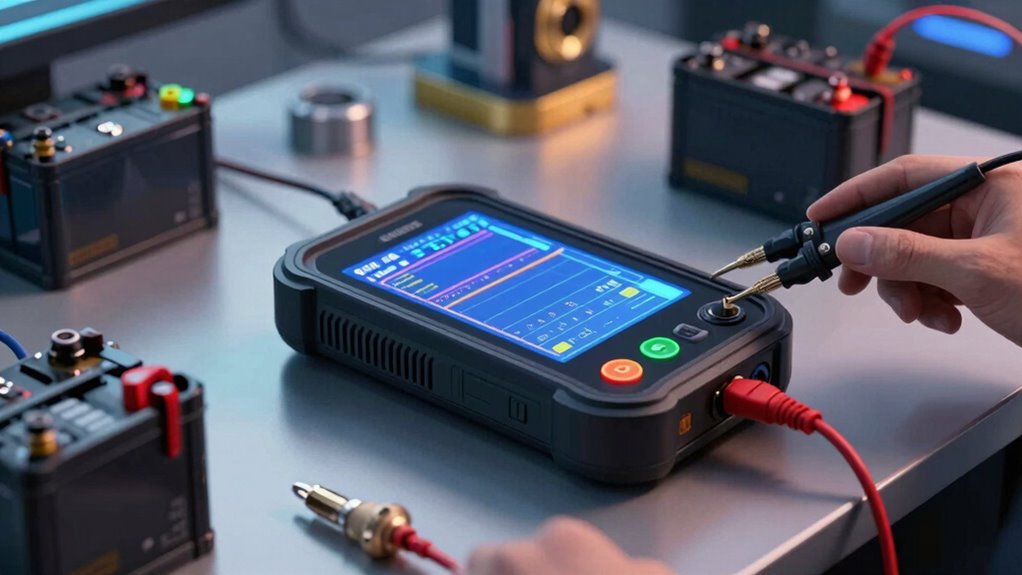
When your device starts acting sluggish or the battery drains too quickly, it’s time to contemplate battery diagnostics. You might not realize how vital it is to maintain battery health until you’re stuck with a device that barely lasts a few hours. The good news is that there are effective ways to enhance the consistency of your battery diagnostics, confirming you can identify issues before they escalate.
First, you need to establish reliable testing protocols. Using standard methods helps you get accurate readings every time you test your battery. Start by charging your device to 100% before running any diagnostics. This way, you’ll have a full picture of its capacity and performance. Once charged, use a dedicated battery health app or the built-in diagnostics feature on your device. These tools usually provide detailed insights into your battery’s current status, including its health percentage and cycle count.
Establish reliable testing protocols by fully charging your device before diagnostics to gain accurate insights into battery health and performance.
Next, consistency is key. You should perform battery tests under similar conditions each time. Make sure you’re running the same applications and settings that you typically use. This approach allows you to understand how your battery behaves under your specific usage patterns. If you notice a notable drop in performance, you’ll know it’s time to take action.
Additionally, consider the environment where you’re testing your battery. Extreme temperatures can affect battery health, leading to discrepancies in your diagnostics. Try to conduct your tests in a controlled environment, avoiding direct sunlight or cold conditions. This way, you minimize external factors that could skew your results. Understanding how external factors influence battery health and device performance can improve your diagnostics’ accuracy. Being aware of external environmental factors helps you interpret your results more effectively.
Once you’ve collected your data, analyze it for patterns. If your battery health percentage drops markedly over a short period or if the charging times become inconsistent, it’s a red flag. Documenting these findings can help you track changes over time, making it easier to identify when professional help is needed.
Lastly, don’t ignore software updates. Device manufacturers often release updates that improve battery performance. Keeping your software current can enhance the accuracy of your battery diagnostics and overall experience. So, before you engage in extensive diagnostics, verify your device runs the latest version of its operating system.
As an affiliate, we earn on qualifying purchases.
Frequently Asked Questions
How Often Should Battery Diagnostics Be Performed?
You should perform battery diagnostics at least every three to six months. This frequency helps you monitor battery performance and extend its lifespan. If you notice any issues, like reduced charge or overheating, run diagnostics more often. Keeping a regular check guarantees you catch problems early, which can save you from unexpected failures. So, stay proactive and adjust your diagnostic frequency based on your battery’s condition for peak performance.
What Tools Are Best for Battery Diagnostics?
Imagine maneuvering through a maze; the right tools guide you through. For battery diagnostics, you need reliable diagnostic software that analyzes charging and performance metrics. Battery testing tools like multimeters and load testers reveal hidden issues, ensuring you’re not lost in the dark. By using these resources, you can streamline your process and uncover insights that keep your batteries performing at their best. Don’t underestimate the power of the right tools in your journey!
Can Weather Affect Battery Diagnostics Results?
Yes, weather can greatly affect battery diagnostics results. Temperature impacts battery performance; extreme heat or cold can skew readings. High humidity can introduce moisture, leading to inaccurate measurements. You should also consider seasonal variations, as different conditions can alter battery behavior over time. Monitoring these environmental conditions is essential for reliable diagnostics, ensuring you get accurate assessments regardless of the weather. Stay aware of how these factors might influence your results.
How Do I Interpret Diagnostic Test Results?
When interpreting diagnostic test results, remember that nearly 30% of battery failures go unnoticed due to inaccurate readings. Focus on the test result accuracy by comparing your results against manufacturer benchmarks. If you notice anomalies, like unexpected voltage drops, dig deeper—these can signal underlying issues. Always consider environmental factors and previous tests for context. By doing this, you’ll gain a clearer understanding of your battery’s health and performance.
Are There Any DIY Methods for Battery Diagnostics?
Yes, you can use DIY methods for battery diagnostics. Start with voltage measurement to check if the battery is within the recommended range. Next, perform load testing by applying a load and observing how the voltage holds up. For battery maintenance, regularly inspect electrolyte levels and top up with distilled water if needed. These steps help you assess battery health and identify issues before they become serious problems.
Conclusion
To sum up, streamlining battery diagnostics not only enhances consistency but also boosts overall performance. Did you know that nearly 30% of battery failures stem from improper diagnostics? By adopting standardized procedures and utilizing advanced tools, you can greatly reduce errors and improve reliability. Embracing these methods guarantees you’re not just diagnosing batteries; you’re optimizing their lifespan and efficiency. So, let’s make those diagnostics more reliable and get the most out of every charge!
Fall Picks
fall essentials
As an affiliate, we earn on qualifying purchases.