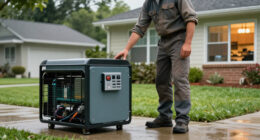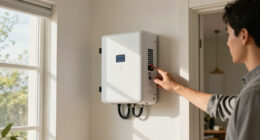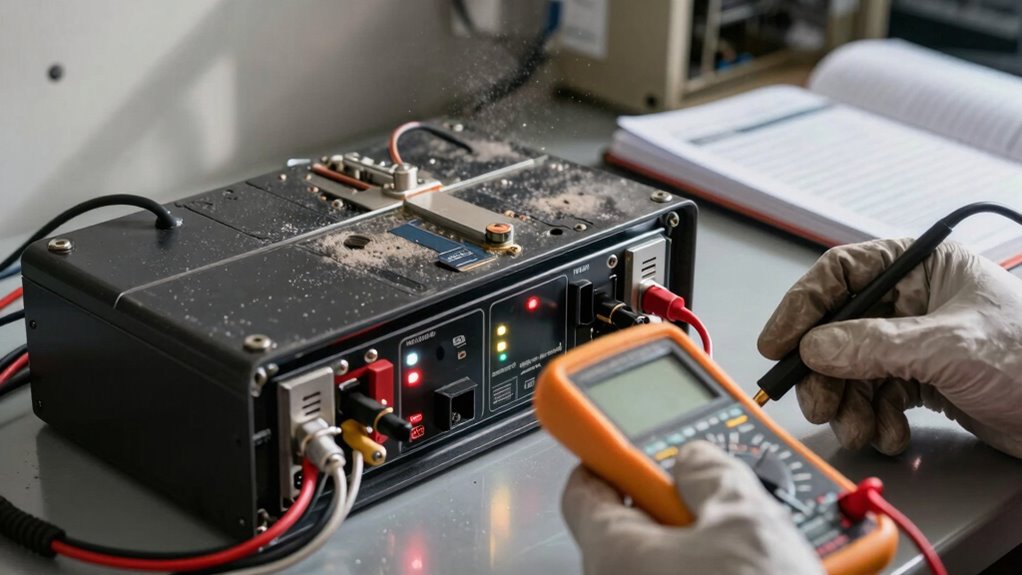

UPS battery backup systems need regular maintenance to guarantee they operate efficiently. Neglecting this upkeep can lead to unexpected failures, reduced performance, and potential power outages. Over time, environmental factors like temperature and humidity can affect battery health, making routine checks essential. By addressing issues proactively, you maximize battery lifespan and avoid costly replacements. Keeping an eye on visual indicators and monitoring alerts can help you stay ahead. Discover more about keeping your system reliable and efficient.

Get backup power and energy gear delivered free with Prime
- Fast, free delivery on millions of items
- Prime Video, Amazon Music and more included
- Member-only deals all year
Key Takeaways
- Regular maintenance ensures UPS batteries operate efficiently and avoid unexpected failures, enhancing overall system reliability.
- Environmental factors like temperature and humidity can reduce battery performance, necessitating routine checks to prevent premature aging.
- Maintenance every three to six months helps identify corrosion and connection issues, ensuring readiness during power outages.
- Monitoring software and visual indicators provide early warnings about battery health, preventing total system failure.
- Proper environmental conditions, including ventilation and cleanliness, are crucial for extending battery lifespan and performance.
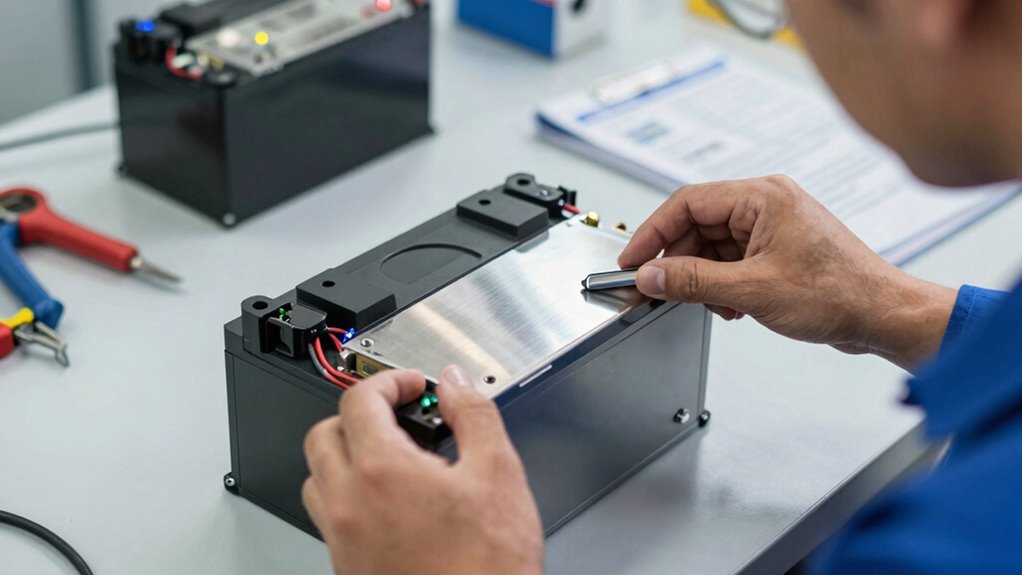
When it comes to guaranteeing your UPS battery backup operates efficiently, regular maintenance is essential. You might think that once you install the system, it’ll just work without any fuss. However, neglecting this vital component can lead to unexpected failures and reduced performance. The heart of your UPS system, the battery, needs attention to maximize its lifespan and make sure it’s ready when you need it most.
Understanding why maintenance is important starts with recognizing how batteries function. Over time, batteries can lose capacity due to environmental factors like temperature and humidity. You wouldn’t ignore your car’s oil changes, right? Similarly, your UPS battery requires routine checks to prevent premature aging. By staying proactive, you can spot issues before they escalate, prolonging your battery’s lifespan and saving you money in the long run.
Understanding battery function is key; regular checks prevent premature aging and save you money in the long run.
Maintenance frequency is another key factor. It’s not enough to just check your UPS battery once a year. Depending on the environment and usage, you might need to perform maintenance every three to six months. Regular inspections allow you to monitor battery health, check for corrosion, and make sure connections are tight. You want to guarantee that your UPS system is always ready to step in during power outages or surges. Proper maintenance practices are vital to ensure the system’s reliability. Additionally, understanding the battery’s capacity can help you determine when replacements are necessary before failure occurs. Also, environmental conditions can significantly influence how often maintenance should be performed for optimal results. Regular environmental assessments can identify potential risks that might hasten battery deterioration.
You should also pay attention to the battery’s visual indicators. Many modern UPS systems come equipped with monitoring software that alerts you about battery health. Don’t ignore these alerts. They’re designed to help you catch problems early. If your UPS system starts beeping or flashing warning lights, it’s time to act. Ignoring these signals can lead to a total system failure when you need backup power the most.
Additionally, consider the environment where your UPS system is located. Extreme temperatures can impact battery performance. If your UPS is in a hot or humid area, you may need to increase your maintenance frequency. Always keep the area well-ventilated and clean of dust or debris. Proper ventilation and environmental conditions are crucial to maintaining optimal battery performance and longevity. Regular environmental assessments help ensure your batteries stay in good condition over time. Investing in climate control solutions can further extend the lifespan of your UPS batteries.
Products Worth Considering

LG UltraGear 34GX90SA-W 34-inch WQHD Curved OLED Gaming Monitor

LG UltraGear 32GX850A-B 32-inch 4K UHD Glossy OLED Gaming Monitor

Kindle Paperwhite Signature Edition 32GB (2024) – Auto-adjusting front light, wireless charging, weeks of battery life – Metallic Black
As an affiliate, we earn on qualifying purchases.
Frequently Asked Questions
How Often Should I Check My UPS Battery Backup System?
You should check your UPS battery backup system at least every six months to guarantee peak battery health. Regular maintenance helps you spot any potential issues before they become critical. During these checks, look for signs of wear, test the battery’s capacity, and clean any dust. If you notice any irregularities, don’t hesitate to address them immediately. Keeping a consistent maintenance frequency will prolong the life of your UPS system.
Can I Replace the UPS Battery Myself?
Yes, you can replace the UPS battery yourself! Just follow some battery replacement tips to guarantee safety and efficiency. First, unplug the UPS and discharge it fully. Open the unit carefully, and take note of how the old battery connects. Replace it with a compatible model, reassemble the UPS, and plug it back in. Regular DIY maintenance like this can extend your system’s lifespan, keeping your devices protected.
What Signs Indicate My UPS Needs Maintenance?
When your UPS starts acting like a car sputtering on empty, it’s time to pay attention. Signs your UPS needs maintenance include diminished battery performance, frequent alarms, or unexpected shutdowns. If you notice any swelling or leakage, that’s a red flag too. To keep it running smoothly, follow maintenance tips like regular testing and cleaning connections. Staying proactive guarantees your UPS won’t leave you in the dark when you need it most.
How Long Do UPS Batteries Typically Last?
UPS batteries typically last between 3 to 5 years, but several battery lifespan factors can affect this. Frequent discharges, temperature extremes, and lack of maintenance can shorten their life. Regularly checking the battery’s health and connections is essential. Keep the environment stable and follow manufacturer guidelines to maximize longevity. By prioritizing maintenance, you not only extend battery life but also guarantee reliable performance when you need it most.
Is It Safe to Use an Old UPS Battery?
You know what they say: “Better safe than sorry.” Using an old UPS battery isn’t safe. Battery lifespan typically decreases over time, and neglecting maintenance can lead to failures when you need them most. If your battery’s past its prime, it’s wise to replace it. Regularly checking connections and keeping it clean are essential maintenance tips to guarantee your system runs smoothly and protects your devices effectively. Don’t take chances with outdated equipment!
Conclusion
Just like a car needs regular tune-ups to keep it running smoothly, your UPS battery backup system requires maintenance to guarantee it’s ready when you need it most. Imagine relying on a lifeline during a storm, only to find it frayed and untrustworthy. Regular check-ups can prevent that sinking feeling. By investing a little time and care, you’re ensuring your backup remains a reliable shield against unexpected power outages, keeping your peace of mind intact.