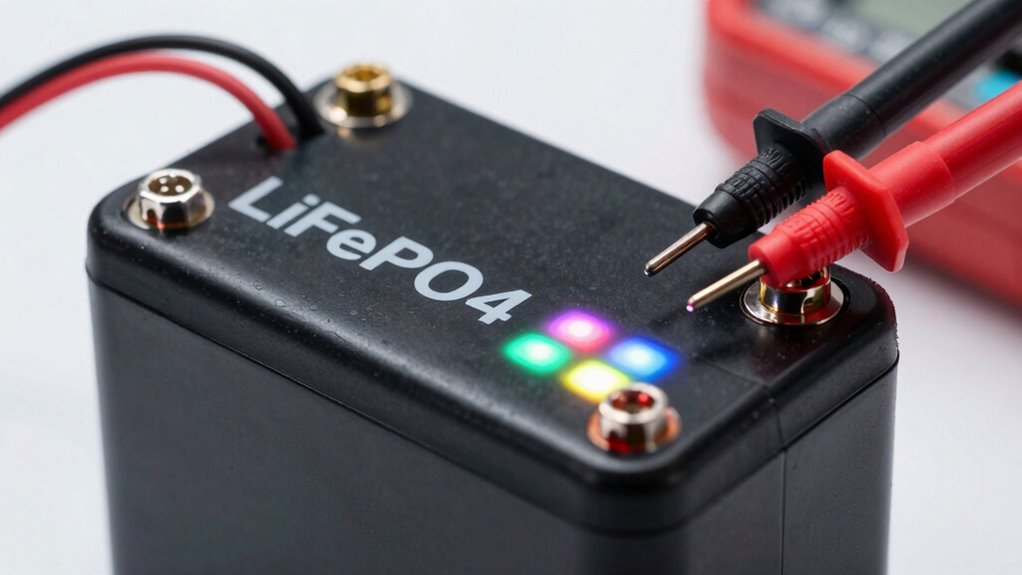
To test a LiFePO4 cell balance without opening the case, connect a compatible Battery Management System (BMS) or a specialized battery tester to the existing wiring. These devices measure real-time voltages and temperatures, showing you how each cell is performing. By monitoring variations in voltage levels, you can identify imbalances or potential issues. Keep exploring further, and you’ll discover how to interpret this data effectively for better battery maintenance.
Key Takeaways
- Use a compatible BMS or battery tester to measure cell voltages without opening the case.
- Ensure proper wiring connections to obtain accurate voltage readings through software diagnostics.
- Connect the tester to the battery and monitor voltage levels for each cell via specialized software or app.
- Compare cell voltages against normal ranges (3.2–3.3V) to identify imbalances remotely.
- Track voltage trends over time to assess the need for balancing without physically opening the battery case.
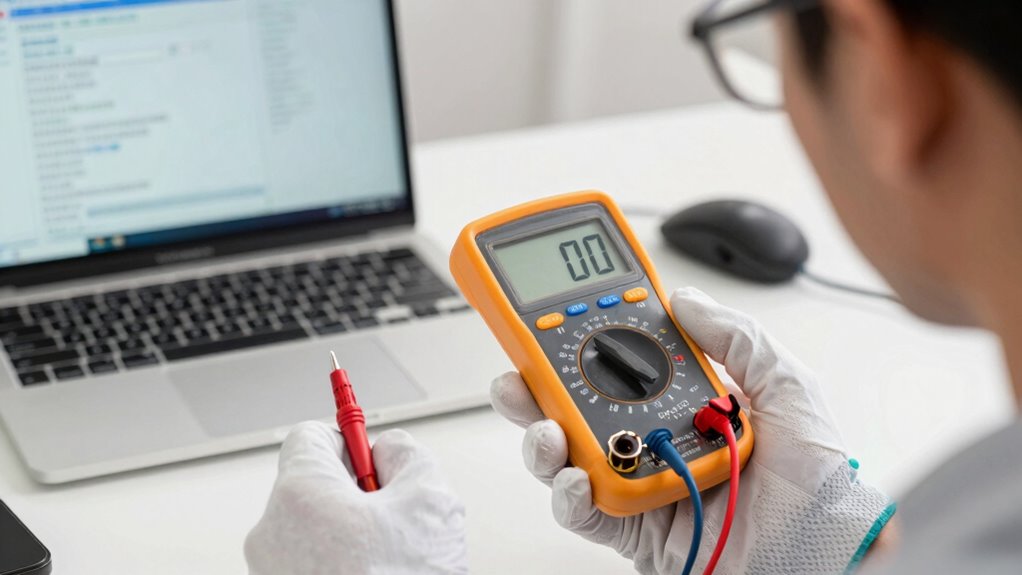
Ensuring that LiFePO4 cells are properly balanced is essential for ideal battery performance and longevity. When your battery pack isn’t balanced, some cells may become overcharged or deeply discharged, leading to reduced capacity and potential damage over time. Fortunately, you can test a LiFePO4 cell balance without opening the case by leveraging the right tools and techniques. The key is to focus on proper cell wiring and using software diagnostics to assess the health of each cell. Proper cell wiring ensures that voltage readings are accurate and consistent across all cells. Faulty or loose connections can cause misleading diagnostic results, so double-check all wiring before proceeding. A well-wired system allows you to reliably monitor individual cell voltages without physically opening the case. Once wiring is verified, you can use a compatible battery management system (BMS) or a specialized battery tester that supports software diagnostics. These devices connect to your battery pack via the existing wiring and provide real-time data on each cell’s voltage and temperature. Using the software diagnostics feature, you can quickly identify imbalances. Connect the BMS or diagnostic tool to your battery system and run the diagnostic scan. The software will display voltage levels for all cells, highlighting any that fall outside the normal range, typically around 3.2 to 3.3 volts for LiFePO4 cells. Any cell showing markedly higher or lower voltage indicates an imbalance. Many software platforms also offer trend analysis, so you can see if the imbalance is worsening over time, which helps in planning maintenance or further testing. It’s important to interpret the data carefully. Slight voltage differences are normal, especially after charging or discharging cycles, but large disparities suggest a need for balancing. If the software indicates imbalance, some BMS units automatically initiate balancing procedures by redistributing charge among cells, which can often be monitored remotely. If your system doesn’t have automatic balancing, you might consider running a manual balancing process or scheduling professional maintenance.
Frequently Asked Questions
Can I Test Cell Balance With a Multimeter Alone?
Yes, you can test cell balance with a multimeter alone, but it requires careful testing procedures. Make certain your multimeter has good accuracy, ideally ±0.1V, to get reliable readings. You’ll measure voltage across each cell, comparing the values to identify imbalances. Keep in mind that this method doesn’t provide a complete picture of cell health, so use it alongside other testing methods for best results.
How Often Should I Check Lifepo4 Cell Balance?
You should check your LiFePO4 cell balance every 3 to 6 months as part of regular battery maintenance. Keep safety precautions in mind—avoid overcharging or deep discharging, and always use proper testing equipment. Coincidentally, timely checks prevent potential issues and extend your battery’s lifespan. Regular monitoring guarantees safety and performance, so make it a habit, especially if your battery sees heavy use or fast charging cycles.
What Are Signs of Unbalanced Lifepo4 Cells?
You’ll notice signs of unbalanced LiFePO4 cells when cell voltages vary considerably and battery uniformity decreases. If some cells consistently show higher or lower voltages during charging or discharging, it indicates imbalance. This can lead to uneven performance and reduced lifespan. Keep an eye on voltage differences; if they exceed manufacturer recommendations, it’s time to address the imbalance to maintain ideal battery health.
Is It Safe to Test Cell Balance Without Opening the Case?
Yes, testing cell balance without opening the case is generally safe if you follow proper battery safety and maintenance tips. Use a reliable multimeter or a specialized battery management system (BMS) to check voltage levels externally. Always wear protective gear, avoid short circuits, and verify the battery is disconnected from load before testing. This way, you minimize risks while maintaining your LiFePO4 battery’s health.
Are There Specific Tools or Devices Recommended for Non-Invasive Testing?
Imagine holding a sensitive eye, peering into the battery’s health without opening it. You’ll want reliable cell monitoring devices like Bluetooth-enabled voltage testers or specialized diagnostic tools designed for sealed packs. These tools let you read voltage and temperature data accurately, giving you insight into cell balance. With them, you can perform non-invasive testing, ensuring safety and efficiency while keeping the case intact and undisturbed.
Conclusion
By monitoring the voltage with a reliable multimeter, you can gauge your LiFePO4 cell’s balance without opening the case. Imagine each cell as a tiny, glowing island, their voltages revealing whether they’re harmoniously aligned or drifting apart. With careful observation, you can catch these subtle shifts before they grow into trouble, ensuring your battery stays in sync—like a well-conducted orchestra—keeping your power source steady and reliable for years to come.