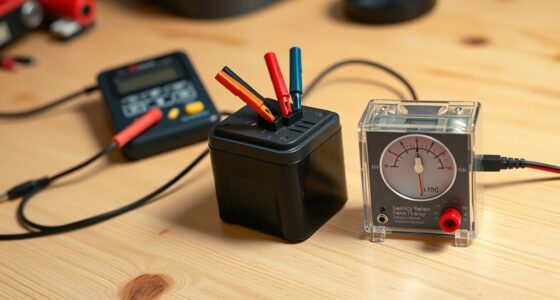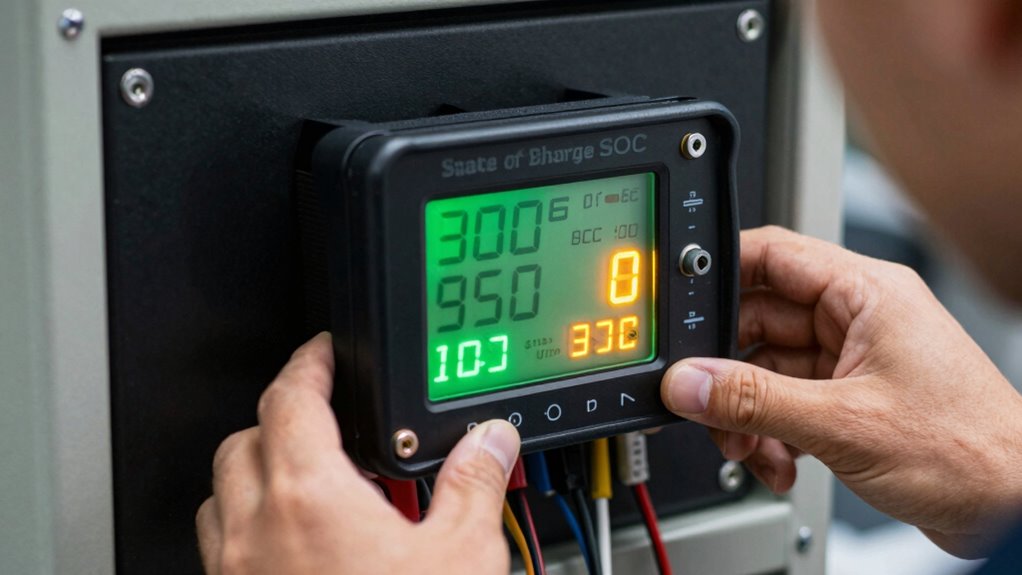

If your SOC jumps around, it’s likely due to calibration issues or inaccurate voltage measurements. Inconsistent connections, dirty terminals, or faulty shunt resistors can disrupt voltage readings, causing SOC fluctuations. Proper calibration guarantees your monitor accurately interprets the battery’s true capacity, preventing unexpected jumps. Regular maintenance and correct calibration procedures help keep your SOC steady. To understand how to fix these issues effectively, keep exploring the key steps involved.
Key Takeaways
- Inaccurate calibration causes SOC readings to fluctuate, as the monitor misinterprets actual battery capacity.
- Voltage reading errors from loose connections or dirty terminals lead to SOC jumps.
- Calibration drift over time results in the monitor losing sync with the battery’s true state.
- Poor quality or faulty shunt resistors can cause inconsistent voltage measurements, affecting SOC accuracy.
- Regular recalibration ensures the monitor accurately reflects the battery’s true charge level, reducing SOC fluctuations.
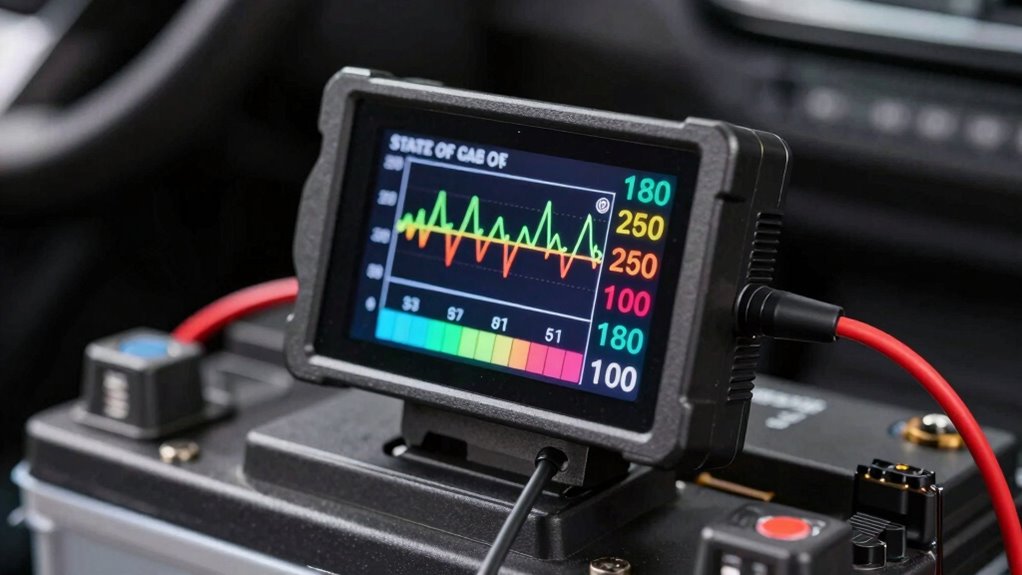
If you’ve noticed your shunt battery monitor’s state of charge (SOC) jumping unexpectedly, it’s likely due to calibration issues. This problem often stems from inaccurate battery calibration or voltage readings that aren’t precise enough to reflect the true state of your battery. When your monitor’s calibration drifts, the SOC can fluctuate unpredictably, making it hard to trust the readings and effectively manage your power usage. To fix this, you need to understand the importance of proper battery calibration and maintaining voltage accuracy.
Battery calibration involves setting your monitor to correctly interpret the battery’s actual capacity and voltage levels. Over time, the monitor’s internal algorithms can lose sync with your battery’s real state, especially if the battery ages or if you’ve recently replaced it. Inaccurate calibration leads to incorrect SOC readings, which can cause the monitor to overestimate or underestimate the remaining charge. This misrepresentation causes the SOC to jump around as the system tries to reconcile inconsistent data, leading to confusion and potentially dangerous situations, like over-discharging.
Proper battery calibration ensures accurate SOC readings and prevents unpredictable jumps.
Voltage accuracy is critical because the battery monitor relies heavily on voltage measurements to estimate the SOC. If your voltage readings are off due to poor connections, dirty terminals, or a faulty shunt, your monitor cannot provide reliable data. Ensuring tight, clean, and secure connections helps maintain voltage accuracy. Regularly checking the wiring and cleaning contacts prevents measurement errors that cause SOC fluctuations. Additionally, using a high-quality shunt resistor with a known, stable resistance ensures that voltage drops across it are accurately measured, which directly improves the monitor’s ability to determine the battery’s true state. Maintaining measurement precision is essential for consistent SOC readings.
To calibrate your battery monitor properly, start by fully charging your battery to 100%. This establishes a baseline for the monitor to recognize the maximum capacity. Then, disconnect the charger and let the battery discharge to a predetermined cutoff point, such as 20% SOC, while observing the readings. Recalibrate your monitor if it offers a calibration mode, following the manufacturer’s instructions carefully. During this process, ensure your voltage readings are stable, and the connections are secure. Once calibrated, your monitor should provide more consistent and accurate SOC readings, reducing the chances of unexpected jumps.

DYMOZYNE 48V 20Ah Universal Power Battery Pack with 30A BMS Lithium Battery
- High Capacity: 48V 20Ah durable lithium battery
- Long Cycle Life: Over 1,000 charge cycles with ≥80% capacity
- Temperature Tolerance: Operates from -20℃ to 40℃
As an affiliate, we earn on qualifying purchases.
Frequently Asked Questions
How Often Should I Recalibrate My Shunt Battery Monitor?
You should recalibrate your shunt battery monitor every 3 to 6 months or when you notice inconsistent SOC readings. Calibration intervals depend on your battery’s age and usage; older batteries may need more frequent checks. Regular calibration guarantees accurate measurements, especially as batteries age and their capacity changes. If your system shows irregular readings or after maintenance, recalibrate promptly to keep your SOC data reliable.
Can Temperature Affect the Accuracy of SOC Readings?
Yes, battery temperature can affect the accuracy of SOC readings. When the battery gets hot or cold, its chemical reactions change, impacting the sensor calibration. This causes the monitor to give less precise readings. To guarantee accurate SOC, you should regularly check and adjust for temperature effects, especially when operating in extreme conditions. Keeping an eye on battery temperature helps maintain reliable state of charge measurements.
What Are Common Causes of Sudden SOC Jumps?
Sudden SOC jumps often happen due to voltage fluctuations caused by cable resistance or unstable connections. When cables have high resistance or loose connections, they create inconsistent voltage readings, making your monitor think the battery’s state of charge is changing rapidly. These issues can cause your SOC to jump unexpectedly. To fix this, check all cable connections, ensure they are tight, and replace any cables with high resistance to improve accuracy.
Is It Necessary to Disconnect Batteries During Calibration?
You don’t need to disconnect batteries during calibration, but it’s recommended for accuracy, especially considering your battery chemistry. Maintaining a stable environment helps ensure precise readings. Regular calibration frequency depends on your usage and battery type; check manufacturer guidelines. If your SOC readings jump unexpectedly, calibrate more often and ensure the shunt is properly installed. Disconnecting isn’t mandatory, but it can improve calibration results and prevent potential errors.
How Do Aging Batteries Impact SOC Accuracy?
Aging batteries can substantially impact SOC accuracy due to calibration drift over time. As batteries age, their capacity decreases, causing the monitor’s readings to become less reliable. You might notice SOC jumps or inconsistencies, which happen because the calibration no longer matches the battery’s actual condition. Regularly recalibrating your battery monitor and acknowledging aging effects help maintain better accuracy and prevent misleading SOC readings.
Conclusion
Now, imagine your battery monitor settling smoothly like a calm lake at dawn, each reading steady and reliable. Proper calibration acts as the gentle breeze that keeps your SOC readings from bouncing like ripples on the water. With patience and care, you’ll see your battery’s true level reflected clearly, giving you confidence in every decision. When you get it right, monitoring becomes effortless—like watching a serene horizon, always steady, always true.