
To use battery monitors accurately, regularly calibrate your system by fully charging and draining the battery to reset measurements. Understand that voltage or percentage alone can be misleading; monitor trends over time and cross-reference with voltage levels for better insights. Keep environmental factors like temperature in mind, as they impact performance. Recognizing aging signs can help you predict replacements. If you keep these tips in mind, you’ll gain a clearer view of your battery’s true health.

Get backup power and energy gear delivered free with Prime
- Fast, free delivery on millions of items
- Prime Video, Amazon Music and more included
- Member-only deals all year
Key Takeaways
- Regularly calibrate the battery to reset monitor calculations and ensure accurate readings.
- Interpret voltage and percentage data alongside load conditions and usage trends for reliable insights.
- Consider environmental factors like temperature that can influence battery performance and monitor accuracy.
- Monitor battery health during calibration to detect aging signs and prevent misinterpretation of capacity decline.
- Cross-check monitor data with system performance and other indicators for a comprehensive understanding.
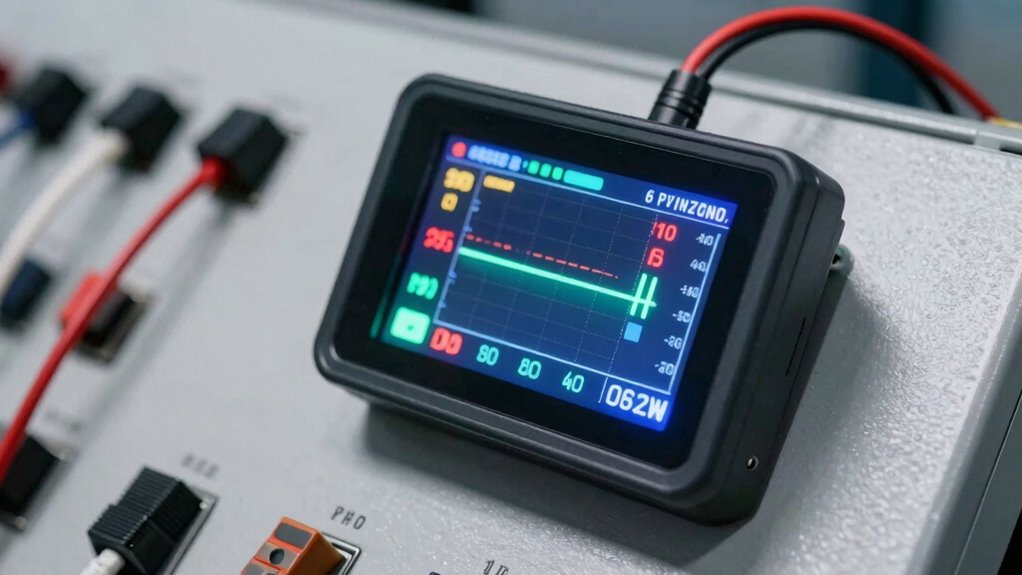
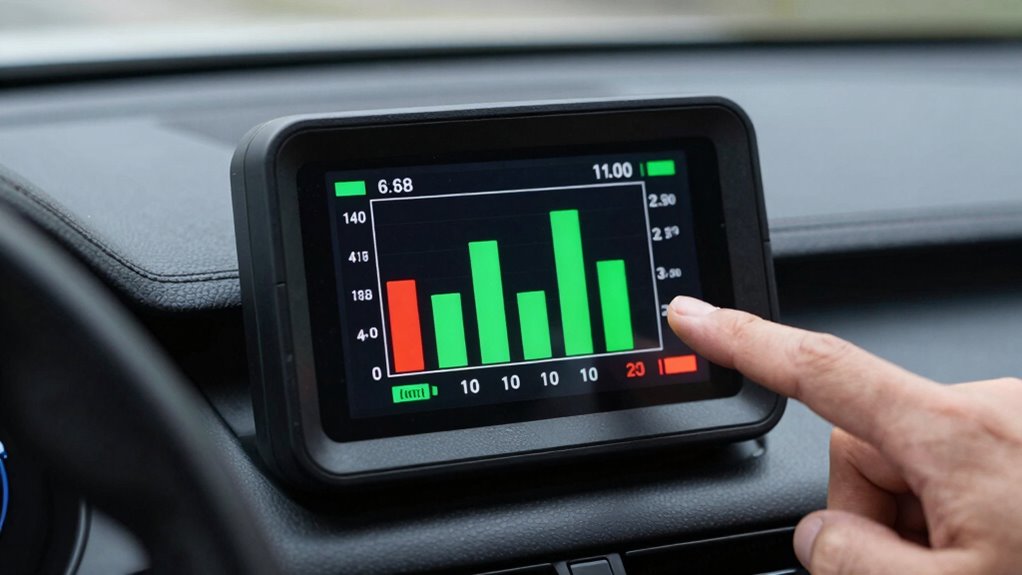
Using a battery monitor can be incredibly helpful for tracking your system’s performance, but only if you interpret the data correctly. One of the most common pitfalls is neglecting proper battery calibration. When a battery isn’t calibrated, the monitor’s readings can become inaccurate, leading you to believe your battery has more or less charge than it actually does. To avoid this, you should regularly calibrate your battery—this involves fully charging it to 100%, then draining it completely until it’s empty, and finally charging it back to full without interruption. This process resets the monitor’s internal calculations, ensuring that the data it provides aligns closely with the battery’s true capacity. Skipping calibration can cause persistent misreadings, making your monitor unreliable over time. Additionally, understanding how environmental factors like temperature influence battery performance can help you interpret data more accurately. Proper data interpretation is equally crucial. Many users assume that the voltage or percentage displayed on the monitor is an absolute indicator of remaining capacity, but that’s not always the case. It’s important to understand how your specific monitor translates raw data into usable information. For instance, some monitors show approximate remaining time or state of charge based on current draw and historical usage, which can fluctuate markedly depending on load conditions. When you see a sudden drop in the displayed percentage, don’t automatically assume the battery is critically low—consider whether the system experienced a spike in power consumption or if the monitor requires recalibration. Additionally, pay attention to trends rather than isolated readings. If your monitor consistently shows a rapid decline in charge, it might point to a battery that’s aging or malfunctioning, rather than a temporary power drain. Conversely, if the percentage remains stable despite high power usage, it could mean the monitor’s data interpretation needs adjustment. Cross-referencing monitor data with other indicators, like voltage levels or system performance, can provide a clearer picture of your battery’s health. It’s also helpful to regularly check the battery capacity during calibration to verify its actual state of health. Recognizing the effects of battery aging can help you better predict when replacement might be necessary. Being aware of the battery’s internal resistance can also aid in diagnosing issues related to aging or malfunctioning batteries. Moreover, being aware of battery aging can help you better predict when replacement might be necessary. Lastly, recognize that environmental factors can influence readings. Temperature, for example, affects battery performance and can cause the monitor to report inaccurate data if not accounted for. Keep your battery in a moderate environment and perform regular checks to ensure your monitor’s data remains trustworthy.
Products Worth Considering

LG UltraGear 27-Inch QHD OLED Gaming Monitor, 240Hz, 0.03ms, G-SYNC Compatible, FreeSync Premium Pro, HDMI 2.1

Samsung 27-inch Odyssey OLED G6 QD-OLED QHD Gaming Monitor

Samsung 32-Inch Odyssey OLED G8 (G80SH) 4K Gaming Monitor
As an affiliate, we earn on qualifying purchases.
Frequently Asked Questions
Can Battery Monitors Be Used for All Types of Batteries?
Battery monitors aren’t universal; they can’t be used for all battery types without checking compatibility. Different battery types, like lead-acid, lithium-ion, or AGM, require specific monitors designed for their chemistry. Always verify monitor compatibility before connecting it to your battery. Using the wrong monitor may lead to inaccurate readings or damage. So, make certain you select a monitor compatible with your battery type to get reliable data and protect your investment.
How Often Should I Calibrate My Battery Monitor?
You should calibrate your battery monitor at least once a year, or whenever you notice inconsistent readings. Regular calibration helps maintain voltage accuracy, ensuring you get reliable data on your battery’s health and lifespan. If your battery’s usage or environment changes considerably, consider calibrating more often. Proper calibration prevents misreading data, extends your battery’s lifespan, and keeps your monitor functioning accurately for peak performance.
Do Temperature Changes Affect Battery Monitor Readings?
Yes, temperature changes do affect battery monitor readings, impacting battery performance. When temperatures fluctuate, it can cause inaccuracies in your monitor’s data because batteries behave differently in hot or cold conditions. To get accurate readings, make sure your battery monitor has temperature compensation features. This adjustment helps account for temperature effects, allowing you to monitor your battery’s health precisely, especially in varying climates or during extreme temperature shifts.
What Is the Ideal Placement for a Battery Monitor?
Think of your battery monitor as a vigilant guardian, watching over your energy source. To guarantee it serves well, place it close to the battery terminals, like a loyal guard at the gate. This positioning ensures accurate voltage readings, preventing false alarms or missed signals. Proper battery placement minimizes electrical noise, boosts voltage accuracy, and keeps your system running smoothly, just like a vigilant guardian safeguarding your energy flow.
Are There Any Safety Precautions When Installing Battery Monitors?
Yes, when installing battery monitors, you should prioritize installation safety by turning off power before starting. Use insulated tools to prevent electrical hazards, and double-check all connections are secure. Avoid working in wet or damp conditions to reduce risks. Always follow the manufacturer’s instructions carefully, and consider consulting a professional if you’re unsure. These precautions help prevent electrical hazards and guarantee your battery monitor functions correctly and safely.
Conclusion
By paying close attention and gently steering your approach, you can truly harness the insights from your battery monitor without misreading the signals. Remember, a little patience and careful interpretation go a long way in avoiding misunderstandings. With this mindful attitude, you’ll navigate your power management smoothly, ensuring your system runs efficiently and quietly. Sometimes, it’s not about reading more but about understanding the subtle whispers your monitor offers—trust those quiet hints.