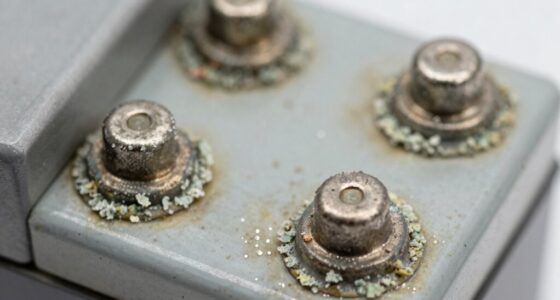
Inserting batteries is easy when you know what to do. First, identify the battery type—AA, AAA, C, D, or 9-Volt—and check for positive (+) and negative (-) markings in the compartment. For standard batteries, position the flat negative end against the spring and snap the positive side in place. When dealing with 9-Volt batteries, align the connectors and push down firmly. For coin batteries, verify the positive side fits snugly in its designated spot. Don't forget to check for corrosion and always double-check polarity to avoid issues. Keep going to discover more tips for flawless battery installation!

Get backup power and energy gear delivered free with Prime
- Fast, free delivery on millions of items
- Prime Video, Amazon Music and more included
- Member-only deals all year
Key Takeaways
- Check the battery compartment for positive (+) and negative (-) markings before insertion to ensure correct orientation.
- For standard batteries, align flat negative end against the spring and snap the raised positive end into place.
- When using 9-Volt batteries, align the male and female snaps, holding the battery at a 30° angle for easier installation.
- For coin and button batteries, place the positive side against the designated terminal in the device's battery compartment.
- Regularly inspect battery compartments for corrosion and remove batteries from unused devices to prevent leakage.
Types of Batteries
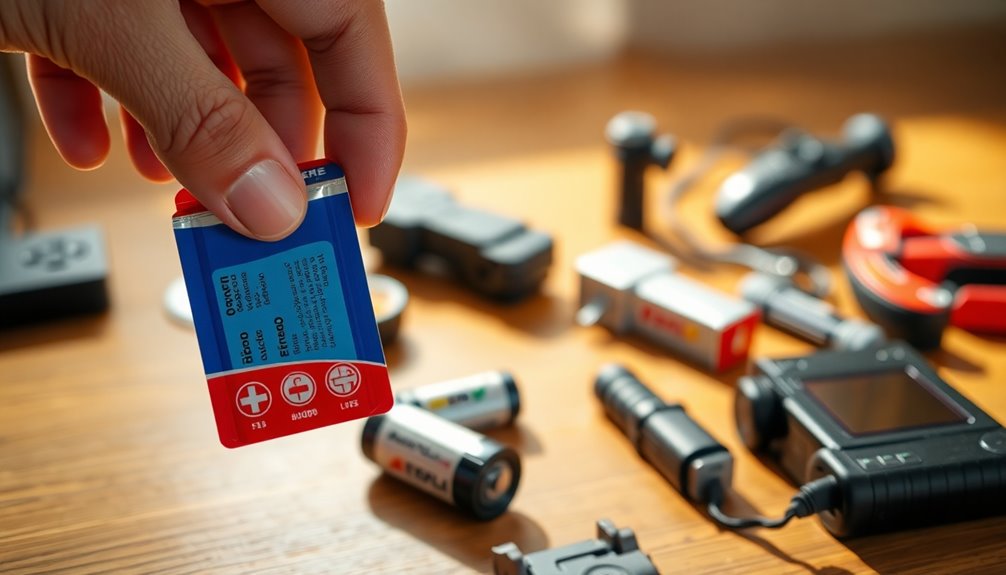
When it comes to powering your devices, understanding the different types of batteries is vital.
You'll often encounter AA, AAA, C, D, and 9-Volt batteries, each varying in size and terminal configurations. AA and AAA batteries are cylindrical, featuring a flat negative end and a raised positive terminal. C and D batteries are larger versions, while 9-Volt batteries come with two snap connectors for easy installation.
For compact devices like watches or remote controls, coin and button batteries are common; their positive side is usually marked for easy identification.
Always check the device for the correct size battery, as using the right one is essential for peak performance.
Store batteries properly to prolong their life and guarantee they're ready when you need them.
Installing Standard Batteries

Installing standard batteries is a straightforward process that can power your devices efficiently.
First, make sure to check the battery compartment for the positive (+) and negative (-) markings. Position the flat negative end against the spring, ensuring the raised positive end snaps into place.
If you're inserting multiple batteries, alternate their orientations—positive-negative-positive—to prevent misalignment, which could damage your device. Always verify that the installation is correct to avoid short circuits or leaks.
Remember these safety tips: regularly inspect battery compartments for corrosion, and remove batteries if the device won't be used for a while.
Following these steps will help maintain the health and functionality of your devices!
Inserting 9-Volt Batteries
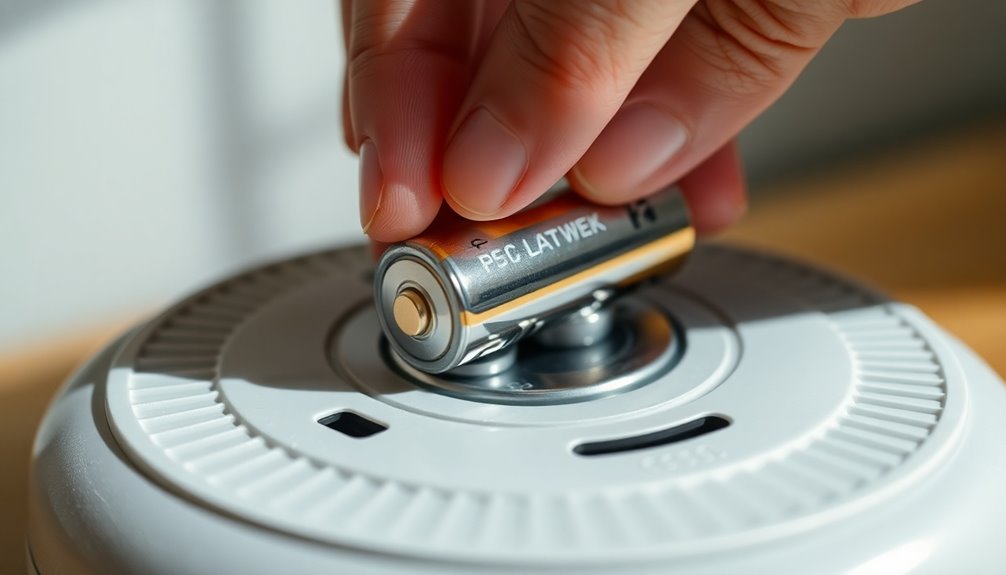
Inserting a 9-volt battery is simple once you understand the connectors. First, identify the male snap (smaller) and female snap (larger) connectors on both the battery and the device. Hold the battery at a 30° angle for easier insertion into the compartment.
| Step | Action |
|---|---|
| 1 | Align the battery with the connectors |
| 2 | Push down firmly until it snaps |
| 3 | Verify the polarity before closing |
If the battery doesn't fit easily, remove it and realign the snaps before retrying. This prevents damage to the connectors or battery. Always verify the connections to avoid leaks or device malfunctions.
Coin and Button Battery Installation

After understanding how to insert 9-volt batteries, you'll find that the process for coin and button batteries is straightforward but slightly different.
First, inspect the battery for the positive (+) side, which is usually marked on the top. When you're ready to install, carefully place the positive side against the designated terminal in the device's battery compartment. Make sure it fits snugly to avoid disconnection.
If your device doesn't have clear markings, consult the manufacturers or the user manual for guidance. It's also wise to check the original packaging for specific instructions.
Regularly inspect installed batteries for any signs of corrosion or leakage and replace them promptly to keep your device functioning properly.
Safety and Maintenance Tips

To keep your devices running smoothly and safely, it's essential to follow a few key maintenance practices.
Regularly inspect battery compartments for signs of corrosion or damage, as these issues can impact both performance and safety. If you won't use a device for an extended period, remove the batteries to prevent leakage and potential harm.
Always store batteries in their original packaging or in plastic containers, keeping them away from heat to minimize the risk of leaks or ruptures.
When installing batteries, double-check for correct polarity (+ and -) to guarantee peak functionality.
Finally, dispose of batteries properly according to local regulations; many areas offer recycling programs specifically for batteries to avoid environmental hazards. Additionally, it's important to consider air quality considerations when using devices that may emit harmful substances during operation.
Frequently Asked Questions
What Is the Correct Way to Put in Batteries?
To put in batteries correctly, you need to identify the positive (+) and negative (-) terminals on both the battery and the device.
For AA, AAA, C, and D batteries, place the flat negative end against the spring inside. With 9-Volt batteries, align the connectors properly.
If you're using coin batteries, make sure the positive side faces the terminal.
Finally, check for corrosion regularly to keep your devices functioning well.
Which Side of the Battery Goes Against the Spring?
When you're inserting a battery, the flat negative end should go against the spring inside the battery compartment. This guarantees a secure connection and prevents any potential issues like leakage or malfunction.
Make sure to position the raised positive end, usually marked with a plus sign (+), to snap into place with the corresponding terminal.
Always double-check the orientation based on any markings in the battery compartment to avoid installing it incorrectly.
What Is the Correct Way to Put Button Batteries In?
To put button batteries in correctly, first, check the battery orientation, then align the positive side with the terminal.
You'll want to guarantee it fits snugly, avoiding any force that might damage the battery or device.
If there aren't clear markings, take a moment to observe the design for clues.
Finally, inspect your batteries regularly for any signs of corrosion or damage to keep your device functioning smoothly.
How to Put in LR44 Batteries?
To put in LR44 batteries, first, find the battery compartment on your device, usually located on the back or bottom.
Make certain it's clean and free of corrosion.
Then, insert the battery with the positive (+) side facing the terminal.
Confirm it fits snugly without forcing it.
If your device doesn't turn on, double-check that the battery is seated correctly.
Remember to dispose of used batteries responsibly!
Conclusion
Now that you know how to install different types of batteries, you'll find it's easier than you thought. Some might worry about damaging their devices, but as long as you follow the steps carefully, you'll be just fine. Remember, keeping your batteries fresh and properly inserted can prolong your device's life. So don't hesitate—tackle those battery installations with confidence, and enjoy the convenience of your devices without any hassle!
Halloween Picks
halloween
As an affiliate, we earn on qualifying purchases.