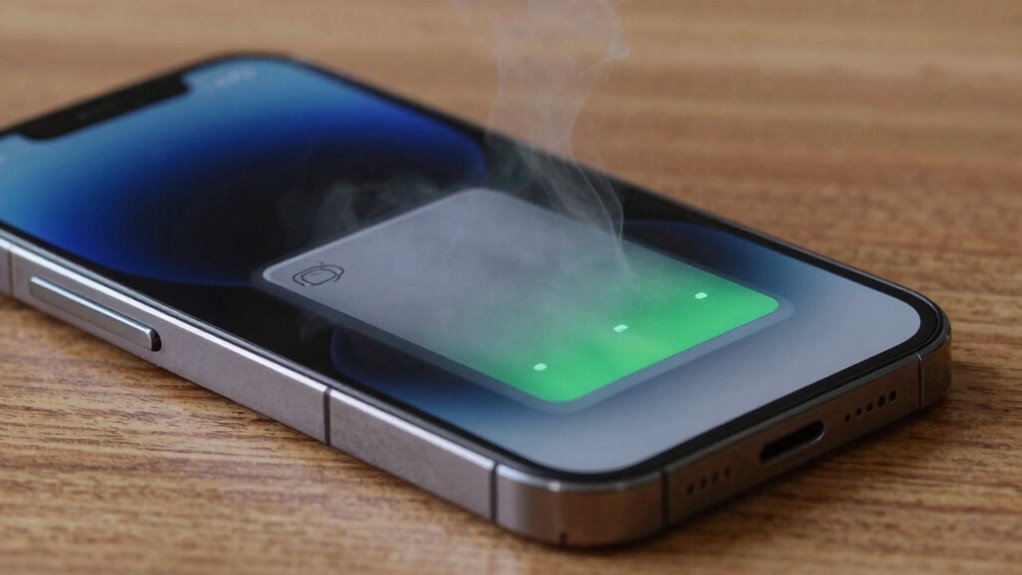
If your battery gets hot while charging, stop charging immediately and unplug your device to prevent damage or fire. Check if you’re using the original or certified charger, and inspect the cable and port for damage or debris. Confirm the environment isn’t too hot and monitor your battery health. If the problem persists, it’s wise to consult a technician. Keep these tips in mind—next, you’ll learn how to troubleshoot effectively.
Key Takeaways
- Immediately stop charging and unplug the device if the battery overheats.
- Check for damaged or incompatible chargers and switch to certified, original accessories.
- Inspect the charging port and cables for dust, debris, or physical damage.
- Evaluate battery health, especially if the device is old or has undergone many charge cycles.
- Seek professional repair if overheating persists despite troubleshooting steps.
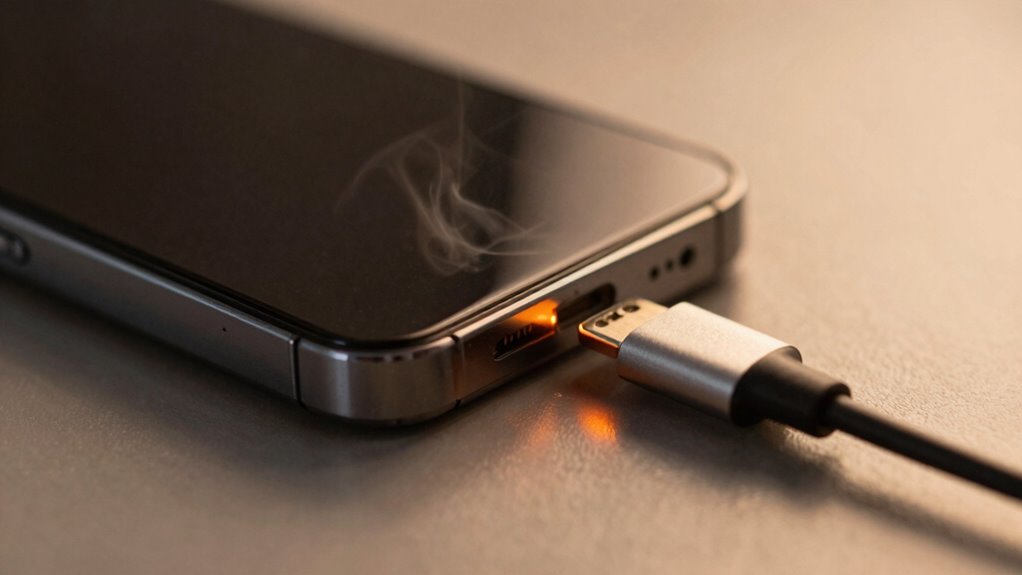
If your battery gets hot while charging, it’s a sign that something may be wrong. Battery overheating isn’t just uncomfortable; it can also be dangerous, risking damage to your device and potential safety hazards. Understanding why your battery heats up during charging is essential to maintaining proper charging safety and preventing further issues. When you notice your device’s battery getting unusually hot, the first step is to stop charging immediately. Continuing to charge a battery that’s overheating can lead to battery swelling, leaks, or even fires. Always unplug your device from the power source as soon as you detect excessive heat.
Next, contemplate the environment and your charging setup. Is the room too hot? Are you using a charger that’s not compatible with your device? Using chargers that aren’t designed for your device can cause irregular charging cycles, leading to battery overheating. Make sure you’re using the original or certified chargers recommended by the manufacturer. Faulty or low-quality chargers often lack proper charging safety features, which can result in overheating. If you’re unsure about your charger’s quality, replace it with a certified one to ensure safe charging practices.
Inspect your device and charger for any visible damage. Frayed cables, bent connectors, or scorch marks indicate potential hazards that could cause your battery to heat up. Damaged cables or connectors can create short circuits or uneven power delivery, both of which increase the risk of overheating. If you see any damage, replace the charger immediately before attempting to charge again. Also, check if the charging port on your device is clean and free of dust or debris, as obstructions can interfere with proper electrical connections and contribute to heating issues.
Another factor to contemplate is the battery’s age and health. Over time, batteries degrade, and their internal chemistry can become unstable, leading to excessive heat during charging. If your device’s battery is old or has been through many charge cycles, it might be time to replace it. Many devices have built-in features to monitor battery health; if your device indicates a degraded battery, follow the manufacturer’s recommendations for replacement. Additionally, battery management systems in modern devices help regulate charging and prevent overheating, so keeping your firmware up to date can also be beneficial.
Finally, if none of the above measures resolve the issue, consult a professional technician. Persistent battery overheating might be due to internal faults or hardware problems that require expert diagnosis. Avoid attempting DIY repairs on internal components, as mishandling can be dangerous. Prioritize charging safety by addressing overheating issues promptly to prevent damage to your device or personal injury. Remember, maintaining proper charging habits and using quality accessories are key to ensuring your battery stays cool and functions safely.
Frequently Asked Questions
Can a Hot Battery Cause Long-Term Damage?
Yes, a hot battery can cause long-term damage. Excess heat impacts the battery chemistry, leading to faster degradation and reduced lifespan. Poor thermal management during charging allows temperatures to rise dangerously, which can harm internal components. If your battery regularly gets hot, it’s essential to tackle the issue promptly to prevent irreversible damage and ensure safe, efficient operation over time.
How Does Ambient Temperature Affect Charging Heat?
Think of ambient temperature as the stage setting for your battery’s performance. Higher temperatures can cause your battery to heat up during charging because the environment hampers cooling methods and affects battery insulation. Cooler surroundings help dissipate heat more effectively, preventing overheating. So, keep your device in a well-ventilated area, use cooling methods like fans if needed, and guarantee proper insulation to maintain safe charging temperatures and extend your battery’s lifespan.
Is It Safe to Continue Charging a Hot Battery?
No, it’s not safe to keep charging a hot battery. Hot batteries can indicate overheating due to insufficient thermal management or poor insulation, which increases the risk of damage or failure. You should disconnect the charger promptly, allow the battery to cool, and check the insulation and thermal management systems. Proper insulation helps contain heat, but active thermal management ensures the battery stays within safe temperature ranges during charging.
What Specific Charger Types Generate Less Heat?
Think of chargers as the gentle rain that keeps your device thriving; some types do this better than others. Opt for chargers with high efficiency and advanced thermal management, like USB-C or adaptive fast chargers, which produce less heat. These chargers act like skilled gardeners, nurturing your device without overwatering it, ensuring safer, cooler charging sessions. Choose wisely to keep your device’s heart cool and healthy.
How Often Should I Replace a Battery That Overheats?
You should swap your overheated battery if it consistently shows signs of reduced battery lifespan or if overheating occurs frequently despite troubleshooting. Typically, follow a replacement schedule based on your device’s age and usage patterns—usually every 2-3 years. If overheating persists, it’s a clear sign that the battery’s capacity has diminished, and replacing it promptly helps prevent further damage and ensures your device’s safety and performance.
Conclusion
Now that you know how to troubleshoot a hot battery, you might think it’s a simple fix. But just like a fire needs careful handling, your battery’s heat signals something deeper. Ignoring it could lead to damage or danger, turning a small issue into a bigger problem. So, stay alert, act promptly, and treat your battery with respect—because a cool, healthy battery is the quiet hero behind your device’s performance.