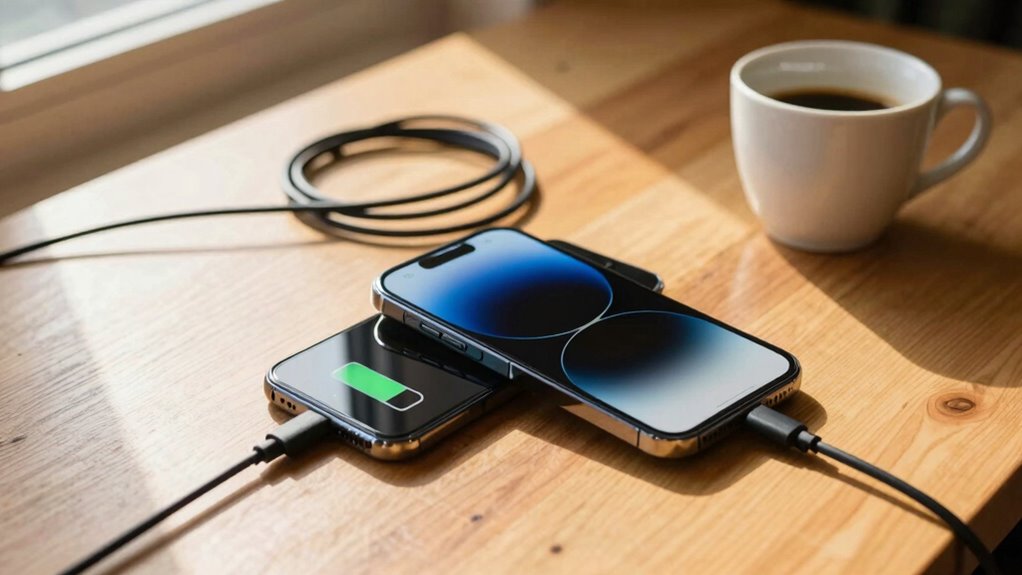

Charging your device to 100% regularly can speed up battery wear and shorten its lifespan. When you hit full charge, high voltage and heat put stress on lithium-ion cells, causing chemical wear over time. Keeping your battery between 20-80% helps reduce this strain and maintains better health. If you want to learn how smart charging practices can extend your battery’s life, keep exploring these tips.

Get backup power and energy gear delivered free — and shop member deals
- Fast, free delivery on millions of items
- Access to Prime Big Deal Days deals on October 6–7
- Prime Video, Amazon Music and more included
Key Takeaways
- Charging to 100% accelerates battery degradation by increasing voltage stress on lithium-ion cells.
- Full charges generate excess heat, especially in warm environments, speeding up chemical wear.
- Keeping the battery between 20-80% reduces voltage stress and prolongs battery lifespan.
- Overcharging beyond full capacity can cause overheating and damage to the battery.
- Smart charging features that stop at 80-90% help maintain battery health over time.

Have you ever wondered if charging your device to 100 percent is truly the best way to maximize its lifespan? The truth is, consistently pushing your battery to full capacity can accelerate battery degradation. Modern batteries, especially lithium-ion types found in smartphones and laptops, are sensitive to how you handle their charging habits. When you charge to 100 percent regularly, you subject the battery to higher voltage levels, which can strain the cells over time. This stress causes chemical wear inside the battery, leading to reduced capacity and shorter overall lifespan.
Your charging habits play a significant role in preserving battery health. Many people think that fully charging their devices is the only way to ensure they have enough power, but that’s a misconception. Instead, it’s better to keep the battery level between 20 to 80 percent whenever possible. This range minimizes the voltage stress and helps the battery stay healthier longer. Charging to full capacity repeatedly or letting the battery drain completely before recharging can both harm the battery over time. Deep discharges, in particular, can cause more wear and tear than partial charges.
Keeping your battery between 20-80% prolongs its health and reduces wear from full charges and deep discharges.
Another factor to consider is the impact of heat. When you charge your device to 100 percent, especially in a warm environment, it generates excess heat. Elevated temperatures speed up chemical reactions inside the battery, increasing the rate of degradation. To prolong your device’s battery life, avoid leaving it plugged in for extended periods after reaching full charge, as this can cause the battery to overheat and degrade faster. Smart charging features, which are built into many devices now, help by stopping the charge at around 80 or 90 percent, preventing unnecessary wear. Additionally, understanding the battery chemistry can help you make better charging decisions to extend its lifespan. Proper charging habits are essential for maintaining long-term battery health and performance. Being aware of factors like temperature sensitivity can further aid in preserving battery longevity. Practicing optimal charging techniques can lead to noticeable improvements in battery lifespan over time.
In essence, your charging habits directly influence the longevity of your device’s battery. Instead of aiming for a full charge every time, adopting a more moderate approach—charging to around 80 percent and unplugging when you reach that point—can significantly slow down battery degradation. This practice reduces voltage stress, minimizes heat exposure, and ultimately keeps your device running smoothly for a longer period. It might feel counterintuitive at first, but in the long run, caring for your battery’s health by adjusting your charging routine is the smartest move you can make. Additionally, being mindful of battery capacity limits can help you optimize overall device performance and longevity.
smartphone battery health charger
As an affiliate, we earn on qualifying purchases.
As an affiliate, we earn on qualifying purchases.
Frequently Asked Questions
Does Charging to 100% Harm Battery Longevity?
Charging your battery to 100% can harm its longevity because it stresses the battery chemistry, leading to faster capacity loss over time. Each full charge counts as a charging cycle, and frequent full cycles accelerate degradation. To prolong your battery’s life, it’s better to keep the charge between 20% and 80%, minimizing stress on the chemistry and reducing the number of charging cycles, ultimately extending your device’s overall battery health.
How Does Temperature Affect Battery Charging and Health?
Imagine your battery as a delicate plant; extreme temperatures can cause it to wilt. Temperature effects are vital—high heat accelerates battery aging, while cold hampers charging efficiency. Proper battery cooling helps maintain health, especially during fast charging. Keeping your device in a moderate environment guarantees peak performance and longevity. So, avoid exposing your device to excessive heat or cold, and your battery will thank you with longer life.
Is It Better to Charge in Short Bursts or Full Sessions?
Charging in short bursts is better for your battery health than full sessions. Frequent, smaller charges help reduce stress on battery cycles and prevent wear. By avoiding constant full charges, you minimize the number of battery cycles, extending its lifespan. Good charging habits involve keeping your battery between 20-80%, which preserves capacity over time. This approach guarantees your device stays healthy and performs at its best longer.
What Are the Signs of Battery Degradation?
You’ll notice your battery’s performance declines when it no longer holds a charge like it used to—shorter usage times, unexpected shutdowns, or needing frequent recharges. Signs of degradation include inconsistent battery calibration, where your device reports inaccurate levels, and sluggish charging habits that stress the battery. If you see these, it’s time to reconsider your charging habits and possibly replace the battery, before it becomes a total power outage!
Can Using Fast Chargers Reduce Battery Lifespan?
Using fast chargers can reduce your battery lifespan because they deliver higher power, generating more heat that accelerates battery wear. Wireless charging also produces heat, further impacting battery health. To maintain ideal performance, it’s best to avoid frequent fast charging and wireless charging. Regular battery calibration helps keep your battery indicator accurate, but limiting fast charges and managing heat exposure are key to preserving your battery’s longevity.
Conclusion
So, next time you plug in your device, remember that chasing that perfect 100% can be like trying to catch a fleeting rainbow—beautiful but elusive. Instead, think of charging as a gentle dance, balancing between enough power and preserving your battery’s health. By giving your device a little breathing room, you’ll keep it humming smoothly for longer, like a well-tuned symphony that plays on without missing a beat. Your battery will thank you for the kindness.
Halloween Picks
halloween
As an affiliate, we earn on qualifying purchases.