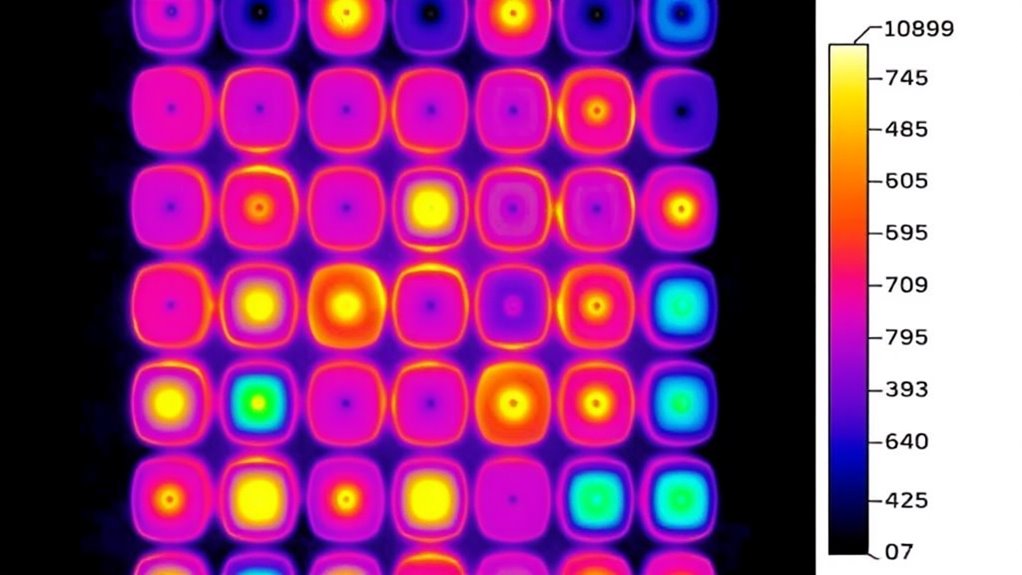
To spot failing battery cells quickly, use your thermal camera to look for hot spots and uneven temperature distribution, which indicate internal issues. Confirm the camera is properly calibrated and set to an appropriate temperature range to increase detection accuracy. Focus on areas that heat up unusually during operation and compare images over time for trending heat patterns. Remember, controlling environmental factors is key. Keep practicing these tricks to spot problems faster—more tips await if you continue exploring.
Key Takeaways
- Calibrate your thermal camera properly and set an appropriate temperature range to accurately identify hotspots.
- Focus on identifying significant temperature deviations or hotspots indicating cell failure or imbalance.
- Capture thermal images during different charging/discharging cycles to observe temperature changes over time.
- Ensure a stable environment free from external heat sources or drafts to prevent false readings.
- Look for uniform temperature distribution; irregularities or localized heat spots signal failing or degraded cells.
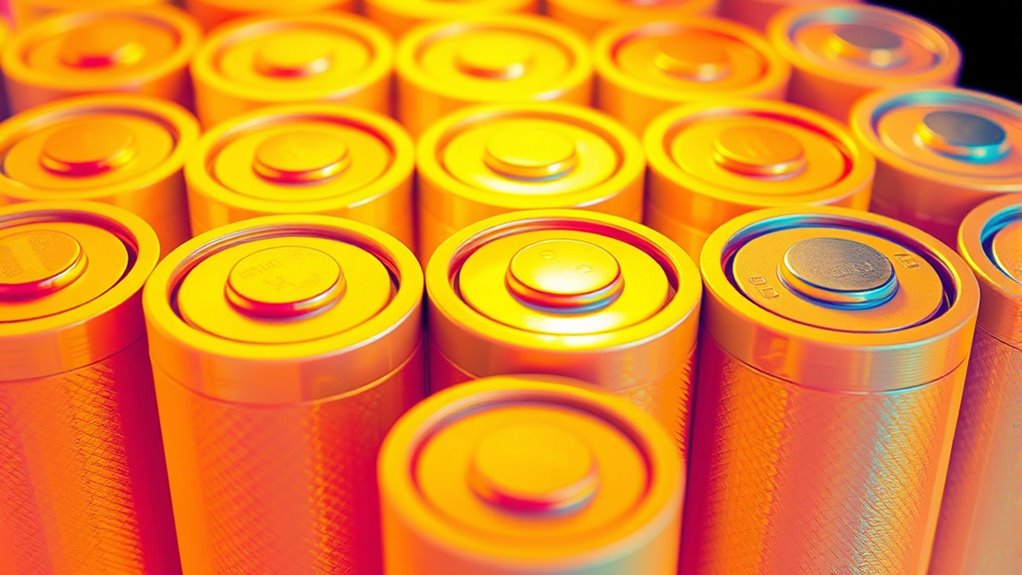
Thermal imaging has become a powerful tool for revealing hidden heat signatures, but knowing a few tricks can substantially enhance your results. When inspecting batteries or electronic components, one of the most critical factors is monitoring battery temperature. Elevated or uneven heat patterns often indicate underlying issues, such as failing cells or compromised cell uniformity. By focusing on temperature variations across the battery pack, you can quickly identify cells that are overheating or not dissipating heat effectively, which are potential signs of trouble.
To improve your detection accuracy, ensure your thermal camera is calibrated correctly and set to an appropriate temperature range. This helps you distinguish between normal operating heat and abnormal hot spots. When scanning, look for cells that show higher temperature readings compared to neighboring cells. These hot spots can suggest internal resistance increases or failing cells that generate excess heat. Consistent monitoring over time allows you to spot trends, such as gradual temperature increases, which often precede more serious failures.
Calibrate your thermal camera and monitor temperature differences to identify failing or overheating cells early.
Remember, cell uniformity is key. A healthy battery pack typically exhibits a relatively uniform temperature distribution during operation. If you notice some cells running considerably hotter than others, it’s a clear warning sign of imbalance or degradation. These deviations might be subtle at first, but with good imaging technique—like adjusting your focus or changing angles—you can reveal small temperature differences that indicate unequal cell performance. Such irregularities often start small but can escalate if ignored, leading to reduced battery life or safety hazards.
Another useful trick involves comparing thermal images taken at different times or under different loads. During charging or discharging cycles, temperature differences become more pronounced if certain cells aren’t performing well. By observing how specific areas heat up or cool down, you can pinpoint failing cells before they cause more extensive damage. Using consistent imaging conditions—same distance, angle, and environmental factors—ensures your comparisons are accurate and reliable.
Additionally, understanding the topical authority of your content through comprehensive coverage and accurate analysis can help you better interpret heat signatures and identify issues more effectively. Finally, don’t forget that environmental conditions can influence your readings. Make sure the area is stable and free of drafts or external heat sources that could distort your thermal data. Properly interpreting the heat signatures in relation to the expected temperature ranges for your specific batteries will help you distinguish between normal operation and potential issues. With practice and attention to detail, these tricks will become second nature, allowing you to quickly spot failing cells and take preventative action before they lead to costly failures.

TOPDON TC004 Mini Thermal Imaging Camera, 240 x 240 TISR Resolution, 15-Hour Battery Life, 128 x 128 IR Resolution, 25Hz Handheld Infrared Camera with High/Low Temp Alerts, Auto Shutdown- Blue
- Enhanced Thermal Resolution: 128×128 to 240×240 TISR technology
- Wide Field of View: 40°x30° for detailed inspections
- High Refresh Rate: 25Hz for smooth thermal images
As an affiliate, we earn on qualifying purchases.
As an affiliate, we earn on qualifying purchases.
Frequently Asked Questions
How Does Thermal Imaging Compare to Other Cell Failure Detection Methods?
Thermal imaging offers a quick, non-invasive way to detect cell failure by measuring cell temperature changes, which can indicate trouble early. It often provides higher imaging accuracy compared to traditional methods like electrical testing or visual inspections. You can spot failing cells faster and more precisely, reducing downtime. While other techniques might be useful, thermal imaging excels in identifying subtle temperature variations, making it a valuable tool for proactive maintenance and troubleshooting.
What Are the Limitations of Thermal Imaging in Cellular Diagnostics?
You should know that thermal imaging has limitations like resolution limits, which impact the detail you can see, and surface interference, such as dirt or moisture, that can distort readings. These issues can hinder accurate detection, making it harder for you to pinpoint failing cells quickly. While thermal imaging offers quick insights, you must be aware of these constraints to avoid misinterpretations and ensure reliable diagnostics.
Can Thermal Imaging Detect Early Signs of Cell Stress Before Failure Occurs?
You might wonder if thermal imaging can detect early cell stress signs before failure. It can, by monitoring cell temperature changes that serve as stress indicators. When cells experience stress, their temperature often rises due to increased metabolic activity or compromised function. By observing these subtle temperature shifts, you can identify stress early, allowing timely interventions to prevent cell failure. Thermal imaging consequently offers a valuable tool for early detection of cellular stress.
What Safety Precautions Are Necessary When Using Thermal Imaging Equipment?
When using thermal imaging equipment, you need to prioritize safety. Always wear protective gear like gloves and eye protection to prevent injury from hot surfaces or electrical hazards. Make certain your equipment is properly calibrated to get accurate readings, which helps avoid misinterpretation. Follow manufacturer instructions carefully, and be aware of your surroundings. Proper safety precautions protect you and ensure reliable thermal imaging results, especially when inspecting potentially failing cells.
How Cost-Effective Is Thermal Imaging for Large-Scale Cellular Analysis?
Sure, thermal imaging’s cost analysis might make you think it’s a budget-friendly miracle, but in reality, equipment affordability can be quite high for large-scale cellular analysis. While it offers quick, non-invasive insights, the initial investment and maintenance costs often outweigh the benefits for extensive studies. So, if you’re seeking a cost-effective solution, you might need to weigh the efficiency gains against the hefty price tag.
Conclusion
So, next time your batteries start acting up, don’t bother checking the voltage—just grab a thermal camera! Who knew that a simple heat signature could save you time, money, and a lot of frustration? It’s almost funny how something so high-tech can make spotting failing cells so easy, yet most people still rely on old-school methods. Embrace the irony: the future is in your hands—and it’s pretty hot!