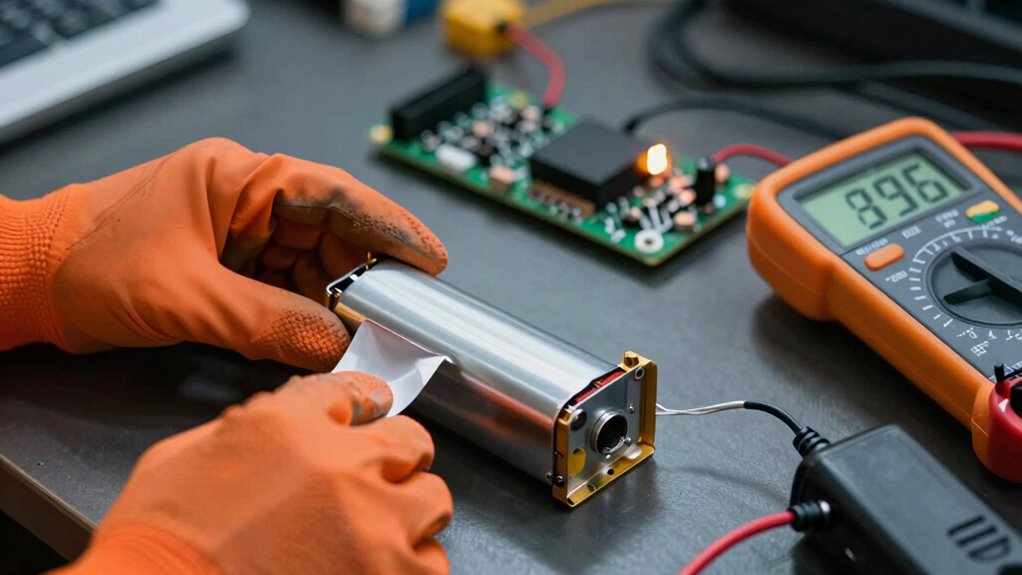

If your device shut down randomly, start by checking the battery health with diagnostic tools to see if it has degraded over time. Next, verify that your charger and power supply are compatible and delivering stable voltage, as faulty chargers can cause power interruptions. The BMS might also malfunction, so resetting or updating it can help. If problems persist, further investigation into hardware or professional diagnosis will guide you toward a solution. Keep exploring to uncover more causes and fixes.
Key Takeaways
- Check battery health with diagnostic tools to identify degradation causing power issues.
- Observe if shutdowns occur during high load or temperature for BMS-related safety triggers.
- Test with a known good charger to rule out charging-related voltage irregularities.
- Reset or update the BMS firmware to resolve potential malfunctions affecting power regulation.
- Monitor for patterns like sudden shutdowns despite full battery or stable charger to pinpoint the root cause.
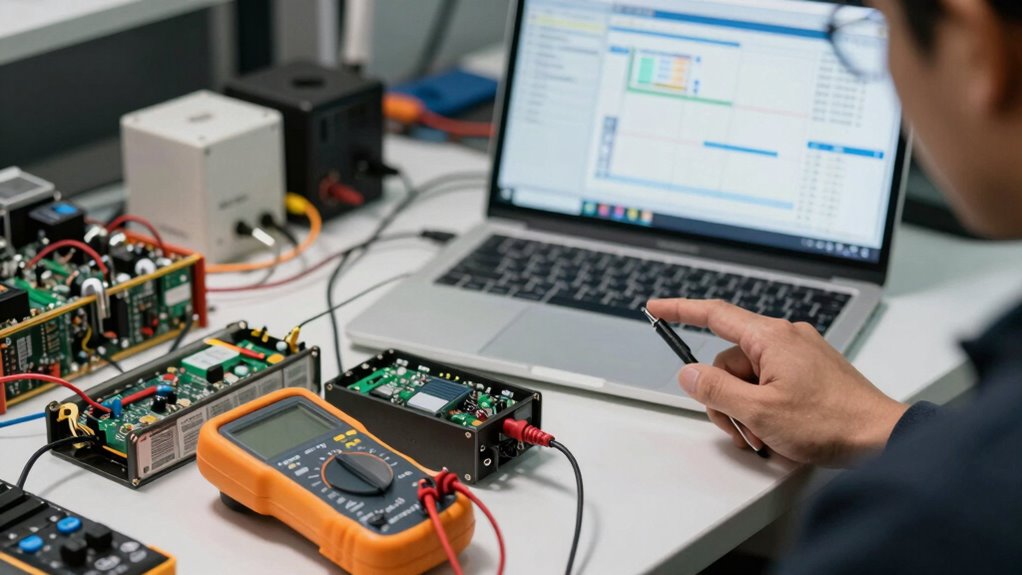
Random shutdowns can be frustrating and disruptive, but understanding their causes is the first step toward fixing them. When your device suddenly powers off without warning, the underlying issue often points to problems with the battery, the Battery Management System (BMS), or the charger itself. To troubleshoot effectively, you need to examine each of these components carefully.
Understanding whether battery, BMS, or charger issues cause device shutdowns is key to effective troubleshooting.
First, consider the health of your battery. Over time, batteries degrade due to repeated charge cycles, temperature fluctuations, and age. As a battery’s health declines, it can’t hold a charge as well, leading to sudden power losses. You might notice your device shutting down even when it shows some remaining battery life. To assess this, run battery diagnostics or use software tools that provide battery health status. If the battery is considerably degraded, replacing it usually resolves the issue. Maintaining good charging protocols is crucial here; avoid overcharging or letting the battery drain completely too often. Proper charging habits help extend battery life and ensure more reliable operation.
Next, look into the charging protocols you’re following. Charging protocols refer to how you charge your device, including the charger’s power output, timing, and environmental conditions. Using an incompatible or faulty charger can cause irregular voltage supply, which can confuse the BMS and lead to shutdowns. Always use chargers recommended by the manufacturer, and ensure they deliver the correct voltage and current. Fast chargers might be convenient, but if your battery isn’t designed for rapid charging, it can stress the battery and accelerate degradation. Proper charging protocols mean charging in a controlled manner, avoiding extreme temperatures, and sticking to recommended charging times. These practices help maintain consistent power levels and prevent unexpected shutdowns caused by voltage irregularities. Additionally, a well-designed projector power supply can also prevent sudden shutdowns by providing stable voltage and current.
The BMS is another critical component. It monitors and manages the battery’s voltage, temperature, and current. If the BMS detects unsafe conditions or malfunctions, it can shut down your device to prevent damage. Sometimes, the BMS may misinterpret normal fluctuations as faults, causing unnecessary shutdowns. In such cases, resetting or updating the BMS firmware can help. But often, persistent issues indicate a malfunction that might require professional diagnosis or component replacement.
Frequently Asked Questions
How Can Software Updates Impact Shutdown Issues?
Software updates can impact shutdown issues by fixing firmware glitches that cause instability. However, if updates introduce software incompatibility, they may trigger random shutdowns instead. You should always guarantee updates are compatible with your device’s hardware and follow manufacturer instructions. Regularly updating firmware helps improve overall performance, but skipping or improperly installing updates can lead to new problems, so stay informed and cautious during the update process.
Are Environmental Factors Like Temperature Relevant in Diagnosis?
Yes, environmental factors like temperature influence shutdown issues. Extreme temperatures can cause your battery or BMS to malfunction or shut down unexpectedly. High heat accelerates battery degradation, while cold can reduce capacity and performance. Temperature influence is critical in diagnosis because fluctuations may trigger shutdowns or reduce efficiency. Always consider environmental factors alongside hardware checks to accurately identify the root cause of random shutdowns.
What Are Common Signs of a Failing BMS?
You’ll notice signs of a failing BMS through irregular battery health readings, such as inconsistent voltage levels or sudden drops. BMS indicators like warning lights or error codes can also signal issues. If your device shuts down unexpectedly or struggles to hold a charge, these are clues that the BMS isn’t managing the system properly. Regularly check these signs to prevent further damage and maintain peak battery performance.
Can User Handling Cause Battery or Charger Problems?
Yes, your handling can cause battery or charger problems. Improper user handling, like dropping or mishandling the battery, can lead to physical damage that affects performance. Similarly, mishandling the charger, such as forcing connections or exposing it to moisture, can cause issues. Always handle batteries and chargers carefully, avoiding physical damage, to make sure they function properly and prevent unexpected shutdowns or failures.
How Does Power Cycling Affect Troubleshooting Steps?
Power cycling helps troubleshoot random shutdowns by resetting the system and clearing temporary issues. When you power cycle, you turn off the device, wait a few moments, then turn it back on. This process can reveal if the problem persists or if it was a momentary glitch. Incorporate power cycling early in your troubleshooting steps to identify whether the shutdowns are hardware or software related, streamlining your diagnosis.
Conclusion
Think of diagnosing random shutdowns like untangling a knot in a rope—you need to identify the culprit. Whether it’s the battery, BMS, or charger, each plays an essential role in keeping your device alive. By systematically checking each component, you can pinpoint the source of trouble and restore smooth operation. Don’t let these shutdowns be a stubborn obstacle; with patience and a clear plan, you’ll have your device running as reliably as a well-oiled machine.