
To reduce phantom power drain in your electronics, unplug devices when they’re not in use or connect them to power strips with switches, so you can turn off multiple gadgets at once. Using energy-efficient adapters also helps cut standby power. Regularly managing your devices and choosing low-standby models can save money and energy. Keep exploring ways to minimize waste—there’s more to discover that can make a real difference in your energy habits.

Get backup power and energy gear delivered free — and shop member deals
- Fast, free delivery on millions of items
- Access to Prime Big Deal Days deals on October 6–7
- Prime Video, Amazon Music and more included
Key Takeaways
- Use power strips with on/off switches to fully disconnect devices when not in use.
- Unplug chargers, gaming consoles, and entertainment systems when they are idle.
- Switch to energy-efficient adapters labeled for low standby power consumption.
- Regularly manage device connections and turn off power strips to cut phantom loads.
- Incorporate routine device unplugging and power strip use into daily energy-saving practices.

Many electronic devices draw power even when turned off, a phenomenon known as phantom power drain. This silent energy loss can add up over time, increasing your electricity bills and contributing to unnecessary energy consumption. Fortunately, you can take practical steps to reduce this waste, starting with the use of energy efficient adapters. These adapters are designed to draw minimal power when devices are not actively in use, helping you cut down on phantom loads. Switching to energy efficient adapters is a simple yet effective way to make your home more energy-conscious without sacrificing device performance. Look for power adapters labeled as “energy saving” or “low standby power” to ensure you’re choosing the most efficient options available.
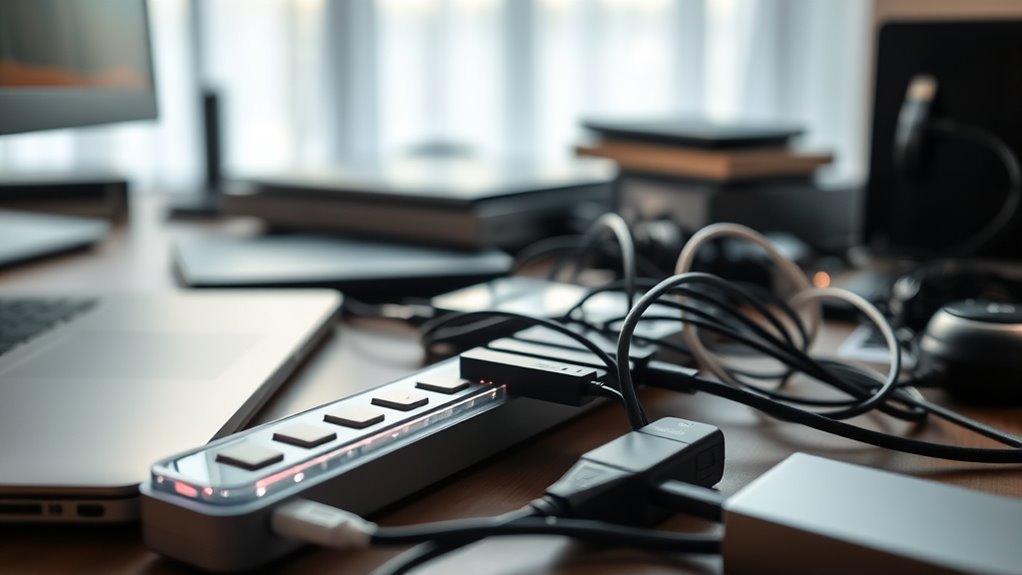
In addition, power strip management plays a vital role in tackling phantom power drain. Instead of leaving multiple devices plugged in and powered on, consider using a power strip with an on/off switch. When you’re finished using electronic devices, simply flip the switch to cut power entirely. This prevents devices from drawing any standby power, which often happens even when they’re turned off. Power strips with individual switches for each outlet give you even more control, allowing you to turn off specific devices without disrupting others. This approach not only saves energy but also extends the lifespan of your electronics by reducing unnecessary wear.
Another effective strategy is to unplug devices that you don’t use frequently. Many gadgets, including chargers, gaming consoles, and home entertainment systems, continue to draw power even when idle. Unplugging these devices when not in use guarantees they won’t contribute to phantom power drain. If unplugging seems inconvenient, consolidating multiple devices into a single power strip makes it easier to manage and turn everything off at once.
Being mindful of how you connect and manage your electronics can make a significant difference. Always opt for energy efficient adapters when replacing old chargers or power supplies, and incorporate power strip management into your routine. By doing so, you not only reduce your energy bills but also minimize your environmental impact. Small changes, like switching to more efficient adapters and controlling power strips, can lead to noticeable savings over time. Implementing these habits ensures you’re actively reducing phantom power drain, making your home more energy-efficient and environmentally responsible. Additionally, prioritizing energy-efficient devices can further optimize your energy consumption.
power strips with on/off switches
As an affiliate, we earn on qualifying purchases.
As an affiliate, we earn on qualifying purchases.
Frequently Asked Questions
Can Unplugging Devices Completely Eliminate Phantom Power?
Yes, unplugging devices completely eliminates phantom power. When you disconnect electronics from the power source, no current flows, so energy-efficient adapters can’t draw power. To effectively manage power use, consider using power strips with switches, enabling you to turn off multiple devices at once. This proactive power management prevents unnecessary energy drain, saving you money and reducing your environmental impact.
Are There Specific Power Strips Designed to Cut Phantom Power?
Imagine a gentle guardian for your devices—that’s what smart power strips and energy-saving outlets provide. Yes, they’re designed to cut phantom power, automatically turning off power to devices when not in use or when they’re in standby mode. These specialized strips help you save energy effortlessly, ensuring your electronics aren’t quietly draining power in the background. Investing in one means you’re making a smart choice for your wallet and the environment.
How Does Standby Mode Affect Phantom Power Consumption?
Standby mode still consumes standby energy, which adds up over time. When your devices stay in standby, they draw power even when not in use, reducing your overall power savings. To minimize phantom power drain, unplug devices or use power strips with switches. Turning off devices completely guarantees you’re not wasting standby energy, maximizing your power savings and reducing unnecessary energy consumption.
Is There a Way to Measure Phantom Power Accurately at Home?
Think of measuring phantom power as catching tiny whispers of energy in a busy room. You can do this at home with specialized home energy meters designed for low power electronics. Simply plug your device into the meter, then into the wall. These meters will give you a clear reading of how much power your gadgets are quietly stealing, helping you identify and cut down on unnecessary energy drain.
Do Newer Electronics Have Lower Phantom Power Consumption?
Yes, newer electronics generally have lower phantom power consumption because they’re designed with better energy efficiency. Modern device design focuses on reducing standby power to save energy and cut costs. When you choose the latest models, you benefit from these improvements, which means less energy waste when devices are plugged in but not actively in use. So, upgrading your electronics can help you minimize phantom power drain effectively.
Conclusion
To reduce phantom power drain, unplug unused devices, switch off chargers, and use smart power strips. To save energy, save money, and protect the environment, take action today. To avoid unnecessary costs, unnecessary waste, and unnecessary energy consumption, stay mindful of your electronics. By making small changes, you can make a big difference—cutting waste, conserving resources, and powering a sustainable future. Your choices matter; your actions count.
Fall Picks
fall essentials
As an affiliate, we earn on qualifying purchases.