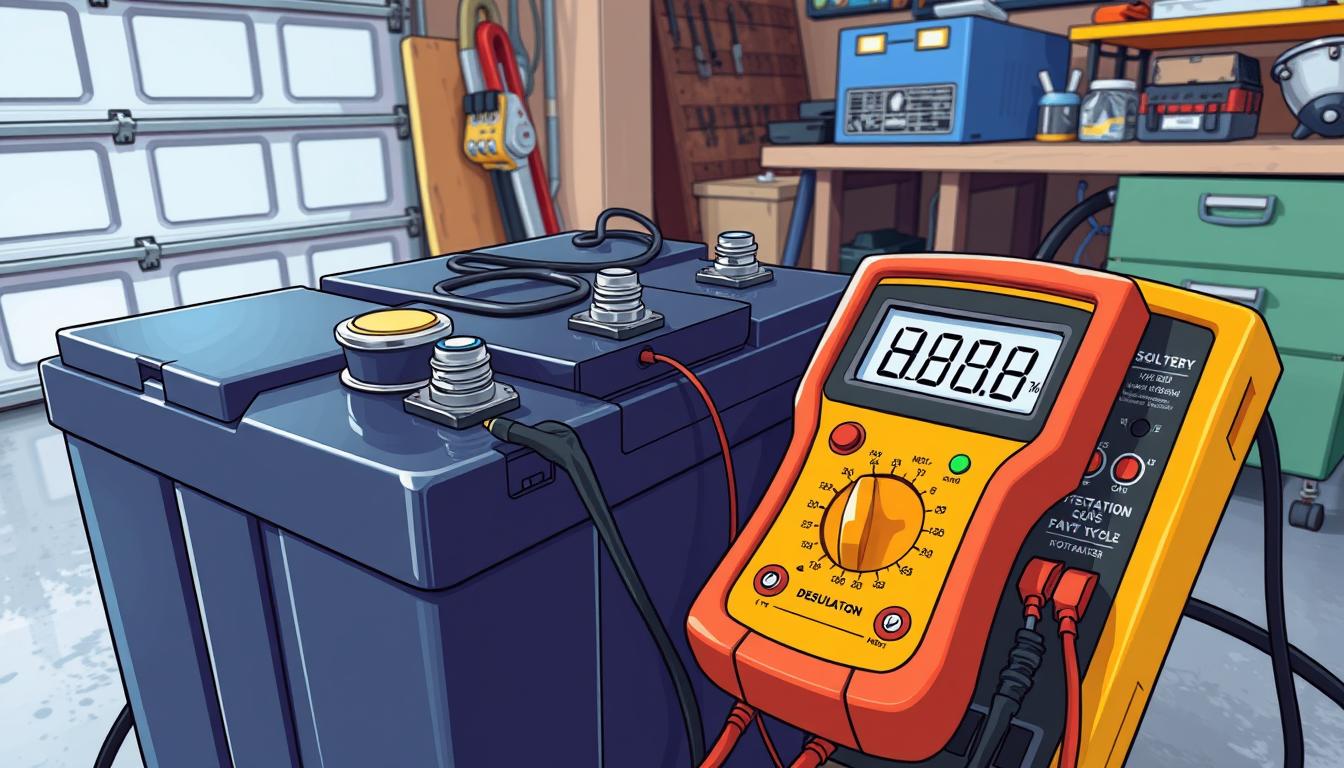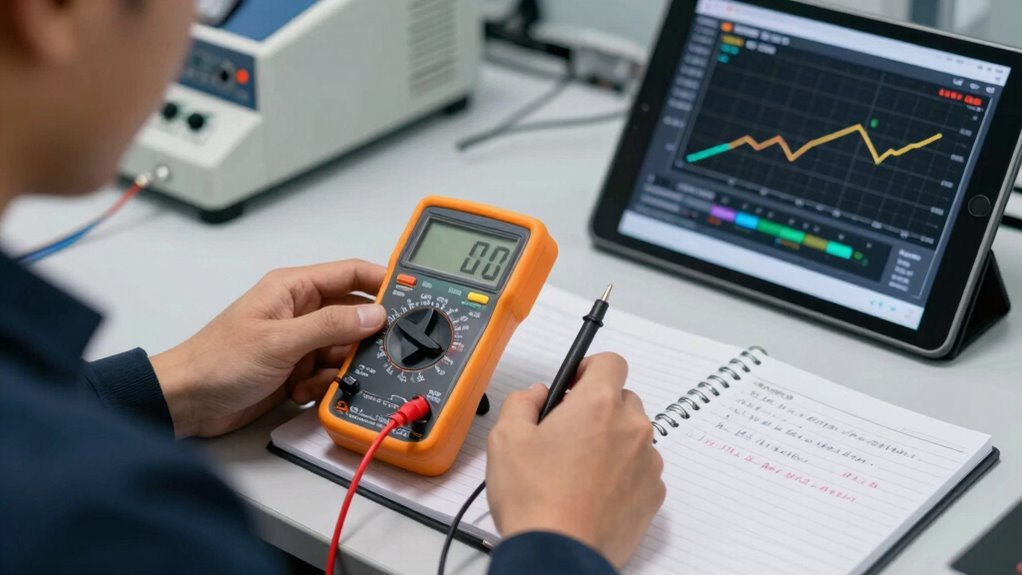
To document battery test results properly, you should record key data points like voltage, current, temperature, and capacity, ensuring your equipment is calibrated beforehand. Use standardized forms or digital tools, include clear labels, units, and test conditions, and note any anomalies or visual issues with photos. Regularly review and securely store your records to maintain accuracy and safety. If you keep these practices in mind, you’ll develop a thorough understanding of best documentation methods.
Key Takeaways
- Use standardized forms or digital spreadsheets with clear labels, units, and chronological order for consistent data entry.
- Record all relevant test parameters, including voltage, current, temperature, capacity, and test conditions.
- Document physical observations and anomalies with detailed descriptions and photographic evidence.
- Calibrate equipment regularly and verify measurements through repetition to ensure accuracy.
- Regularly review, securely store, and back up records to maintain data integrity and support safety standards.

Documenting battery test results accurately is essential for evaluating performance and ensuring reliability. When you record your findings properly, you can identify potential issues early and maintain high standards of battery safety. Proper documentation also helps in tracking improvements over time and provides a clear record for future reference. To achieve this, you need reliable testing equipment that delivers precise and consistent data. Using quality testing tools minimizes errors and ensures your results are trustworthy.
Accurate documentation of battery tests ensures safety, reliability, and effective tracking of performance over time.
As you perform battery tests, focus on capturing all relevant data points. This includes voltage, current, temperature, and capacity measurements. Make sure your testing equipment is calibrated correctly before starting. This step is crucial because inaccurate readings can lead to misinterpretations, jeopardizing battery safety. When you document test results, note the specific conditions under which the tests were conducted—such as ambient temperature and load settings—since these factors influence the outcomes. Keeping detailed records helps you understand how different variables affect battery performance.
It’s also important to organize your data systematically. Use standardized forms or digital spreadsheets designed for battery testing. Clear labels, consistent units, and chronological order make future analysis easier. When recording results, be precise and avoid assumptions; if a measurement seems off, repeat the test to confirm accuracy. Consistency in documentation minimizes discrepancies and enhances the integrity of your data. Additionally, implementing standardized procedures ensures uniformity across multiple tests and testers. Maintaining proper record-keeping practices is crucial for reliable data collection and analysis. Incorporating consistent data entry methods further reduces errors and improves data reliability.
In addition to raw data, include observations about the battery’s physical condition and any anomalies noticed during testing. For example, if the battery heats up unusually or shows signs of swelling, document these issues alongside the numerical results. Such details are vital for assessing overall battery safety and predicting potential failures. Incorporate photos if possible, as visual evidence can complement written records and provide clarity. Ensuring your documentation is comprehensive enhances the accuracy of your data.
Finally, review your documented results regularly to ensure completeness and correctness. Back up digital records and store physical documents securely. Accurate documentation isn’t just about recording data—it’s about creating a reliable history that supports safety protocols, future testing, and compliance with industry standards. When you prioritize meticulous record-keeping, you enhance your ability to assess battery health, troubleshoot problems, and ensure safe operation across all applications.

Dlyfull Battery Tester, LCD Display Universal Battery Checker for AA AAA C D 9V CR2032 CR123A CR2 CRV3 2CR5 CRP2 1.5V/3V Button Cell Batteries, 1x AAA Batteries Included
HIGH COMPATIBILITY: It is not only suitable for AA, AAA, C, CR123A, D, 9V, N, CR2, CRV3, 2CR5,…
As an affiliate, we earn on qualifying purchases.
As an affiliate, we earn on qualifying purchases.
Frequently Asked Questions
What Equipment Is Best for Recording Battery Test Data?
You should use a high-precision multimeter and a dedicated battery analyzer to record test data accurately. These tools help monitor battery aging effectively and guarantee data validation by providing consistent, reliable measurements. Portable data loggers are also valuable for capturing real-time data over extended periods. By using this equipment, you guarantee your test results are precise, helping you assess battery health and lifespan accurately.
How Often Should Battery Tests Be Documented?
You should document battery tests regularly, ideally at consistent testing intervals to accurately monitor battery lifespan. The frequency depends on usage patterns and environmental conditions, but a common practice is recording data monthly or quarterly. By maintaining these testing intervals, you can identify early signs of capacity loss and plan maintenance or replacements proactively, ensuring peak performance and longevity of your batteries.
Are There Industry Standards for Battery Test Documentation?
You need to follow industry standards for battery test documentation, balancing detailed records with clarity. These standards emphasize tracking battery lifespan and safety protocols to guarantee reliability and safety. While guidelines vary, most industries require consistent, accurate documentation that demonstrates compliance and supports maintenance decisions. By adhering to these standards, you not only safeguard equipment but also promote safety, longevity, and trust in your testing processes.
How Do I Handle Discrepancies in Test Results?
When you encounter discrepancies in test results, start by applying data validation to identify inconsistencies. Use troubleshooting techniques like re-testing under controlled conditions and verifying equipment calibration. Document all findings meticulously, noting any anomalies and steps taken to resolve them. This process helps guarantee accuracy, maintains data integrity, and provides a clear record for future analysis or review, ultimately supporting reliable battery performance assessments.
What Software Tools Assist in Battery Test Documentation?
Don’t reinvent the wheel—use reliable software tools like Battery Management Systems (BMS), LabVIEW, or specialized testing software that streamline documenting battery lifespan and testing protocols. These tools help automate data collection, guarantee accuracy, and generate detailed reports. By leveraging such software, you can keep your documentation organized, consistent, and easy to analyze, saving you time and reducing errors during the testing process.

MakerHawk Electronic Load Tester – USB Load Tester 150W 200V 20A Resistor Adjustable Constant Current Battery Capacity Tester Module Intelligent Dischar
Prevent burning warning: when the input voltage battery and large power test, access must be beforeusing two current…
As an affiliate, we earn on qualifying purchases.
As an affiliate, we earn on qualifying purchases.
Conclusion
By documenting your battery test results accurately, you guarantee reliable data for future analysis and troubleshooting. Remember, consistent record-keeping can improve battery lifespan and performance. Did you know that proper documentation can reduce testing errors by up to 30%? This statistic highlights how diligent record-keeping isn’t just good practice—it’s essential for optimizing battery health and avoiding costly failures down the line. Stay precise, stay thorough, and your batteries will thank you.

KAIWEETS Digital Clamp Meter Multimeter with D-Shaped Jaw for AC/DC Current & Voltage, Auto-ranging 4000 Counts Voltage Tester with Flashlight Backlight, Measuring Temperature Continuity Diode NCV
【TRUE-RMS AC DC CLAMP METER】This multimeter can accurately measure AC/DC current, AC/DC voltage, temperature (thermocouple included), NCV, capacitance,…
As an affiliate, we earn on qualifying purchases.
As an affiliate, we earn on qualifying purchases.

ANCEL BA101 Car Battery Tester, 12V Digital Automotive Alternator Meter Diagnostic Tool,100-2000 CCA Load Capacity, Charging & Cranking Analyzer for Truck, Boat, RV, Marine Vehicle, and More
Catch Battery Problems Early: Featured in two videos by Project Farm, a popular YouTube channel with millions of…
As an affiliate, we earn on qualifying purchases.
As an affiliate, we earn on qualifying purchases.