
To diagnose battery problems from solar controller logs, focus on voltage and current patterns during charge and discharge cycles. Look for lower-than-expected voltage at full charge, rapid cycling, or frequent deep discharges that stress the system. Keep an eye on the number of charge cycles over time, as excessive cycles can indicate capacity loss. By analyzing these indicators, you can identify warning signs early and take proactive steps to protect your batteries. Keep exploring to learn more about interpreting these signals effectively.
Key Takeaways
- Check voltage readings during full charge; consistently low voltage indicates capacity loss.
- Monitor charge/discharge cycles; excessive cycles suggest increased battery wear and potential problems.
- Observe current levels; abnormal or fluctuating currents can point to system stress or battery issues.
- Review cycle patterns and frequency; rapid or irregular cycles may signal deep discharges or capacity decline.
- Look for warning alerts or error codes in logs that indicate voltage, current, or system faults affecting battery health.
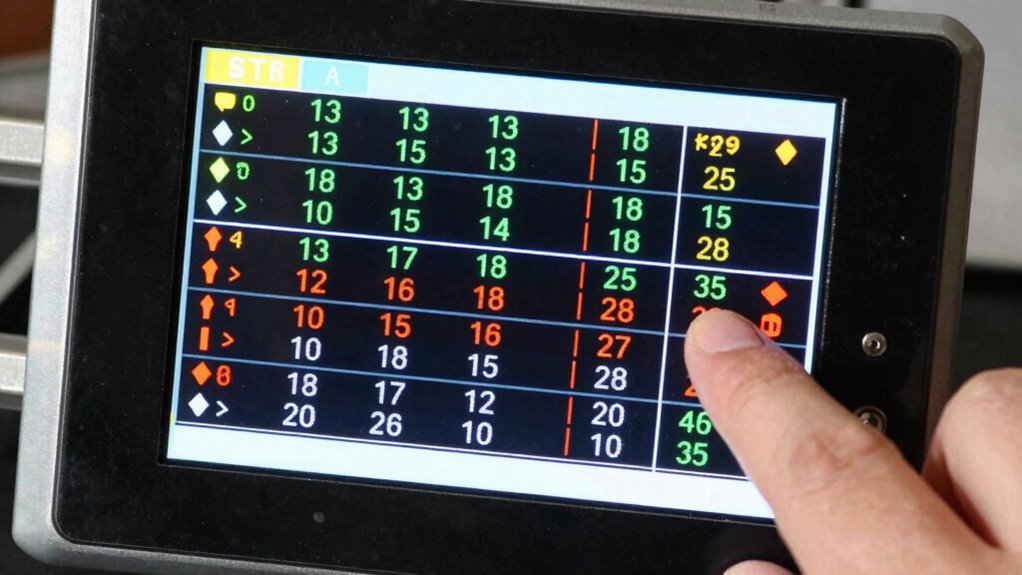
Understanding how to read solar controller logs is essential for maintaining and optimizing your solar power system. These logs provide crucial insights into how your system’s components, especially your batteries, are performing over time. By examining the logs, you can identify patterns that point to potential issues, such as reduced battery capacity or excessive charge cycles, which can help prevent costly repairs or replacements down the line.
Monitoring solar controller logs helps detect battery issues early and prolong system lifespan.
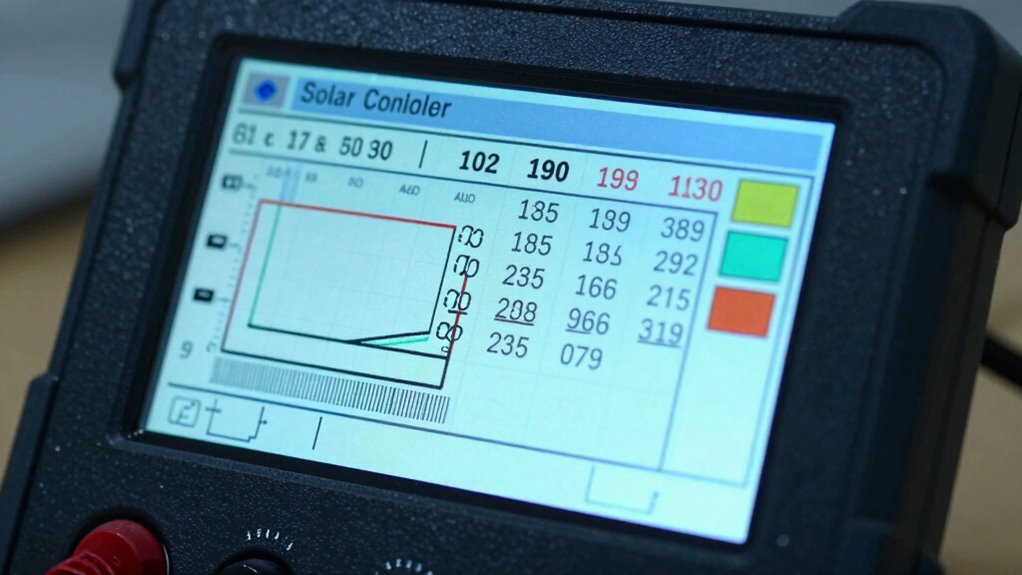
When reviewing your solar controller logs, start by focusing on battery capacity. This refers to the amount of energy your batteries can store and supply. Over time, batteries naturally degrade, leading to a decline in capacity. The logs typically record the voltage and current levels during charging and discharging cycles. If you notice that the voltage levels during full charge are consistently lower than expected, it indicates your batteries might be losing capacity. This decline means they can’t hold as much energy as when they were new, which reduces your system’s overall efficiency. Regularly tracking these voltage readings over multiple charge cycles allows you to gauge the health of your batteries and determine if they’re nearing the end of their service life.
Charge cycles are another critical metric available in your logs. A charge cycle occurs each time your batteries are fully charged and then discharged. Excessive charge cycles can accelerate battery wear, especially if they’re not managed properly. Your logs will often record the number of charge cycles completed over a given period. If you see a high number of cycles in a relatively short span, it might signal that your system is overworking the batteries or that your charging process isn’t optimized. This can lead to faster capacity loss and ultimately shorten the lifespan of your batteries. By monitoring this data, you can adjust your system’s charging parameters—such as reducing the depth of discharge or implementing smarter charge management—to extend your batteries’ longevity.
Additionally, the logs may show the duration and frequency of charge and discharge events, helping you understand how your system operates daily. If your logs reveal frequent deep discharges or rapid cycling, it could be a sign that your battery bank is being stressed. This stress can cause capacity reduction and increase the number of charge cycles, further hastening degradation. Monitoring the high refresh rates of your system can also help identify performance issues promptly.
In essence, learning to interpret these logs empowers you to take proactive steps in maintaining your batteries. You can schedule maintenance, tweak your system settings, or plan for replacements before failures occur. By closely monitoring battery capacity and charge cycles through your solar controller logs, you ensure your solar power system remains efficient, reliable, and long-lasting.

Victron Energy SmartSolar MPPT Solar Charge Controller 75V, 15A, 12/24V
- Smart Solar Charging: Optimizes sunlight conversion and battery life
- Maximize Power Output: Fast MPPT tracking for maximum energy
- Synchronized Charging: Multiple controllers coordinate for efficiency
As an affiliate, we earn on qualifying purchases.
As an affiliate, we earn on qualifying purchases.
Frequently Asked Questions
What Do Error Codes on the Controller Mean?
Error codes on your solar controller indicate specific issues, like overcharging or low voltage. To understand their meanings, check the controller’s manual or manufacturer’s website for error code meanings. Use troubleshooting steps like inspecting connections, resetting the controller, or testing the battery. Recognizing error codes helps you quickly identify problems, saving time and preventing further damage. Always follow safety guidelines when troubleshooting your solar system.
How Often Should I Check the Logs?
Ever wonder how often you should check your solar controller logs? You should review them regularly—at least once a month—to catch issues early. Incorporate a maintenance schedule that includes log checks and apply log storage tips, such as saving backups in a secure location. Consistent monitoring helps you spot battery problems before they escalate, ensuring your system runs smoothly and efficiently. Don’t wait for problems to become urgent—stay proactive!
Can I Interpret Logs on a Smartphone App?
Yes, you can interpret logs on a smartphone app. Many solar controllers come with compatible mobile apps that allow you to access and review log interpretation easily. These apps provide a user-friendly interface, displaying critical data like voltage, current, and battery status. With real-time updates and historical log viewing, you can quickly identify issues and monitor your system’s health, making troubleshooting more convenient and efficient from anywhere.
What Are Normal Battery Voltage Ranges?
Think of your battery as the heartbeat of your solar system. Normal voltage ranges from 12.6 to 12.8 volts when fully charged, symbolizing good health and stability. During use, it may dip to around 12.2 volts, indicating moderate discharge. Maintaining voltage stability within these ranges helps guarantee your battery remains healthy, reliable, and ready to power your system efficiently. Keep an eye on these numbers to safeguard your energy flow.
How Do Weather Conditions Affect Log Readings?
Weather conditions, especially weather patterns and temperature fluctuations, notably impact your solar controller logs. Cooler temperatures can cause voltage readings to drop, while hot weather might increase the battery’s voltage due to thermal effects. Overcast days reduce sunlight, leading to lower charge levels, which you’ll see in the logs. Keep an eye on how changing weather influences your system’s performance, helping you identify potential battery issues more accurately.
Conclusion
Don’t worry if interpreting solar controller logs feels intimidating at first. With practice, you’ll quickly spot signs of battery issues and troubleshoot effectively. Remember, reading logs isn’t just about fixing problems—it’s about understanding your system better. Even if you’re new, taking the time to learn pays off in reliable energy and longer battery life. Stay patient, stay curious, and soon you’ll confidently diagnose and maintain your solar setup with ease.